
There are way too many YouTube tools out there.
Every week there is a new app, plugin, dashboard, or “must-have” platform promising to make content creation easier. Most of it is noise. Some of it is useful. A lot of it just gives you one more login, one more tab, and one more thing pretending to be productivity.
That is why I pay attention when a tool actually helps.
For me, TubeBuddy has been one of the better ones because it has helped with finding video topics, researching keywords, and making smarter optimization decisions before I publish.
It is not magic, and it is not going to save a bad video from itself. But it can reduce guesswork and tighten up your workflow.
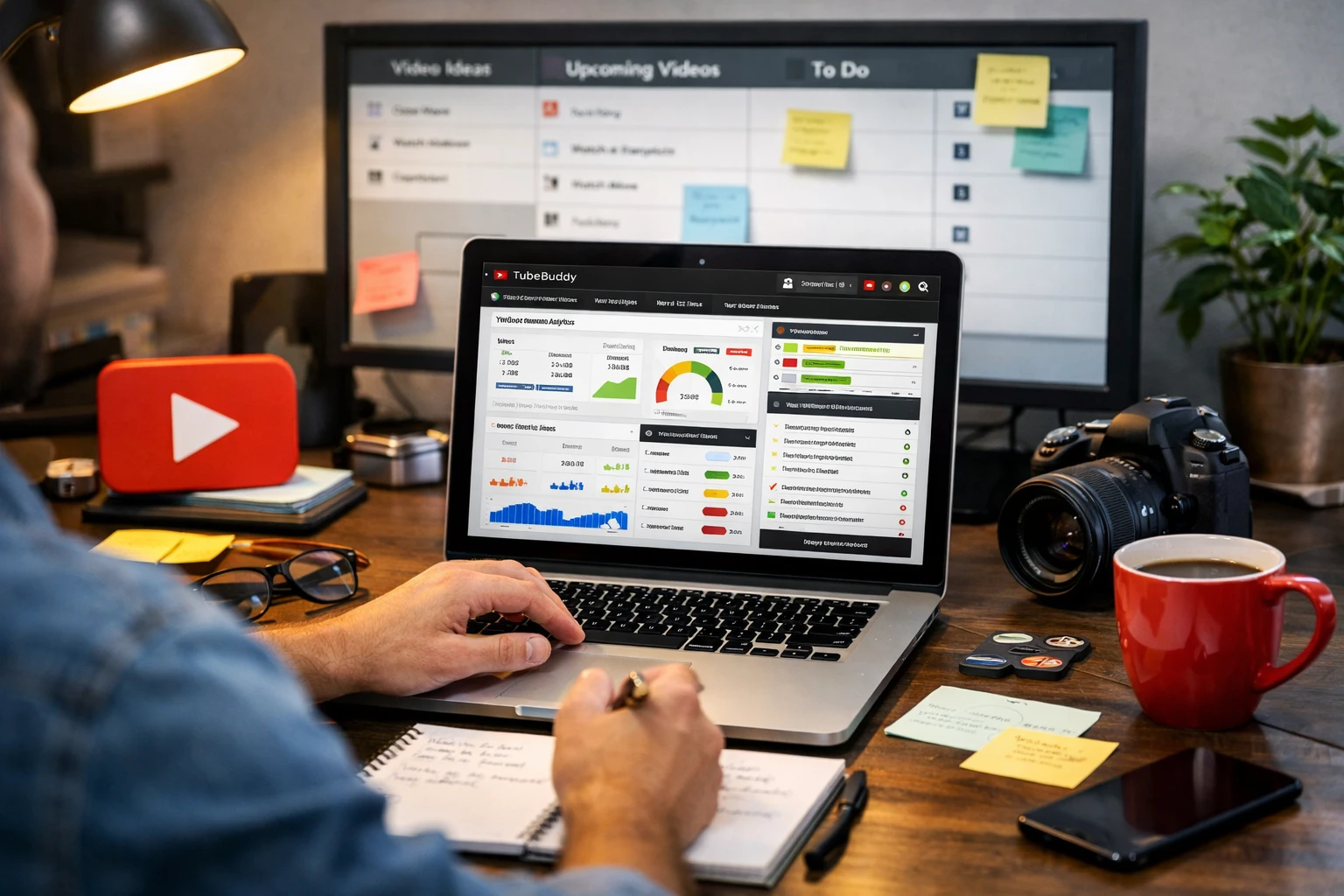
- Topic research: useful when you want more direction on what to make next.
- Keyword planning: better than guessing what people might search.
- Optimization workflow: helps improve decisions before publishing.
What Makes a YouTube Tool Worth Using?
I am not interested in tools just because they look impressive on a landing page. A tool is only worth using if it actually helps with one of three things:
- It saves time
- It reduces repeat work
- It helps you make better decisions
If it does none of that, then congratulations, you probably found a monthly bill wearing a productivity costume.
That is why TubeBuddy has stood out for me. It supports the part of YouTube that actually matters: planning smarter, optimizing better, and making the workflow less random.
How TubeBuddy Has Helped Me
I like TubeBuddy because it has been useful in practical ways, not just theoretical marketing ways.
It has helped me increase video views by giving me a better process for evaluating topics, reviewing keywords, and thinking more strategically about the way videos are packaged before they go live.
That matters because YouTube is rarely just about hitting record. You still have to think about what people want, what they are searching for, and whether your title, thumbnail, and overall setup are giving the video a fair shot.
Finding Better Video Topics
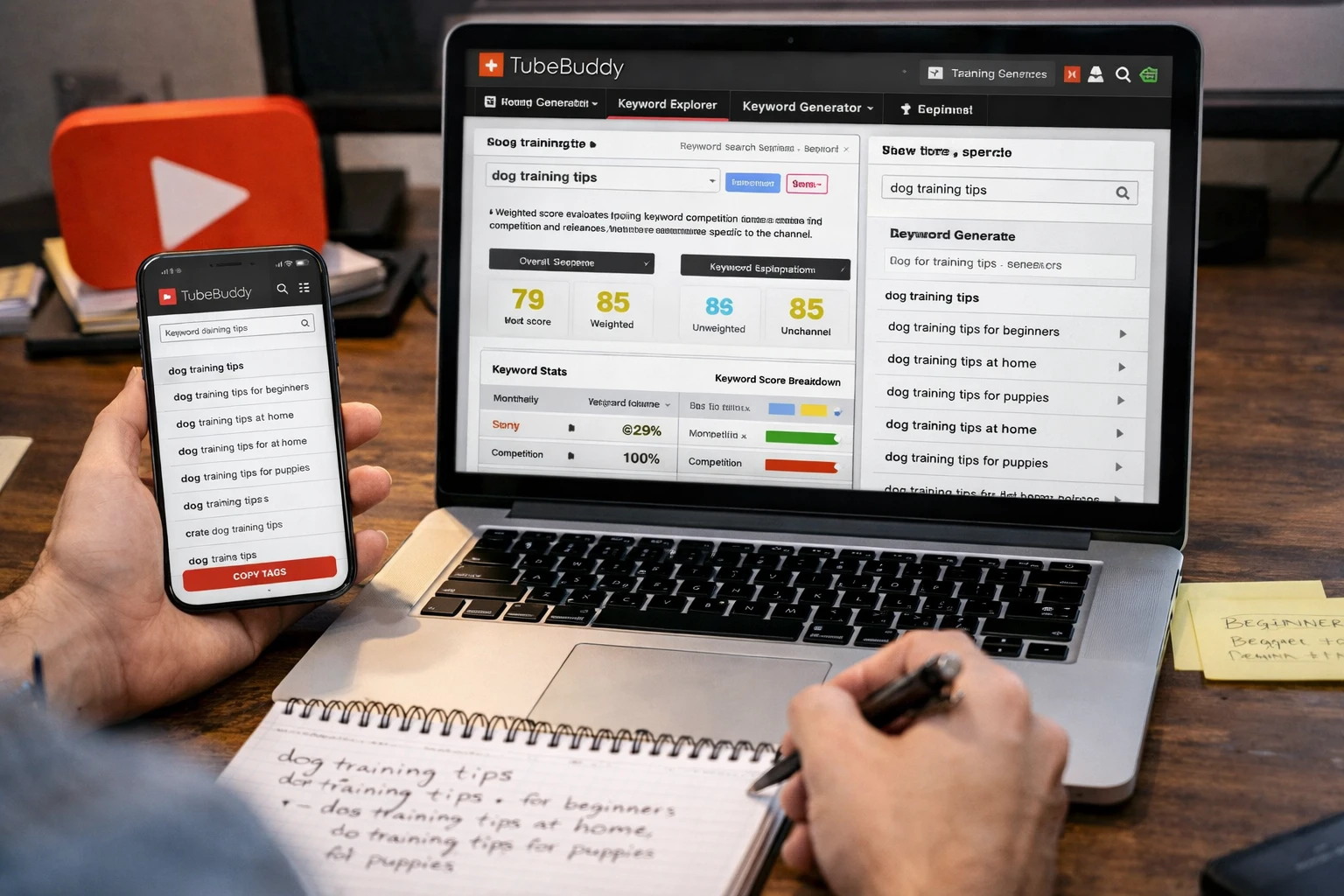
One of the most useful parts for me has been topic discovery.
Sometimes the hardest part of YouTube is not editing or filming. It is figuring out what to make next without throwing content into the void and hoping the algorithm feels generous that day.
TubeBuddy has helped me think through ideas more strategically. Instead of relying only on instinct, I can look at topics with a little more structure and confidence.
- Explore ideas before committing to a video
- Think more clearly about search demand
- Find angles that make more sense for YouTube
- Reduce random guessing when planning content
Why Topic Research Matters
- A decent video on the right topic can outperform a great video on the wrong one.
- Better ideas usually lead to better titles and packaging.
- Planning smarter saves time before you ever start recording.
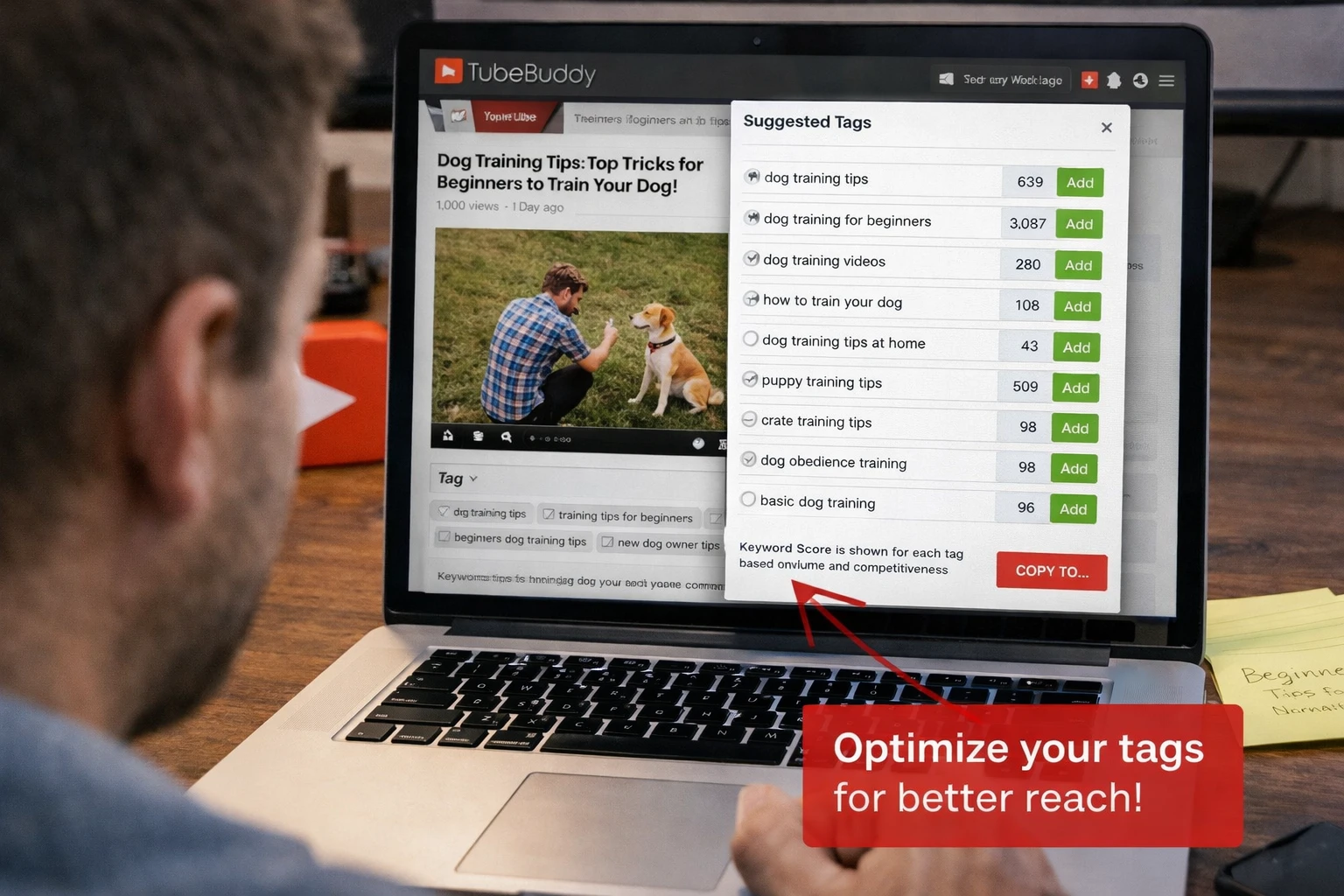
Keyword research gives the video a better shot before it even goes live.
Keyword Research Has Been a Big Help Too
Keywords are one of those things creators know matter, but a lot of us still end up winging it more than we should.
TubeBuddy has helped me put more thought into the words and phrases people are actually using. That makes it easier to shape titles, descriptions, and video angles around real searches instead of guessing.
No tool can replace good judgment, but having more insight into keyword direction is a lot better than staring at a blank title field like it personally insulted you.
Thumbnail and Optimization Decisions Matter More Than People Think
A video can be genuinely useful and still underperform if the packaging is weak.
That is another area where TubeBuddy has helped me. Not because it waves a magic wand, but because it pushes me to think more critically about optimization decisions before a video goes live.
- Review title direction more carefully
- Think more strategically about keywords
- Improve thumbnail decisions before publishing
- Build a more repeatable upload process
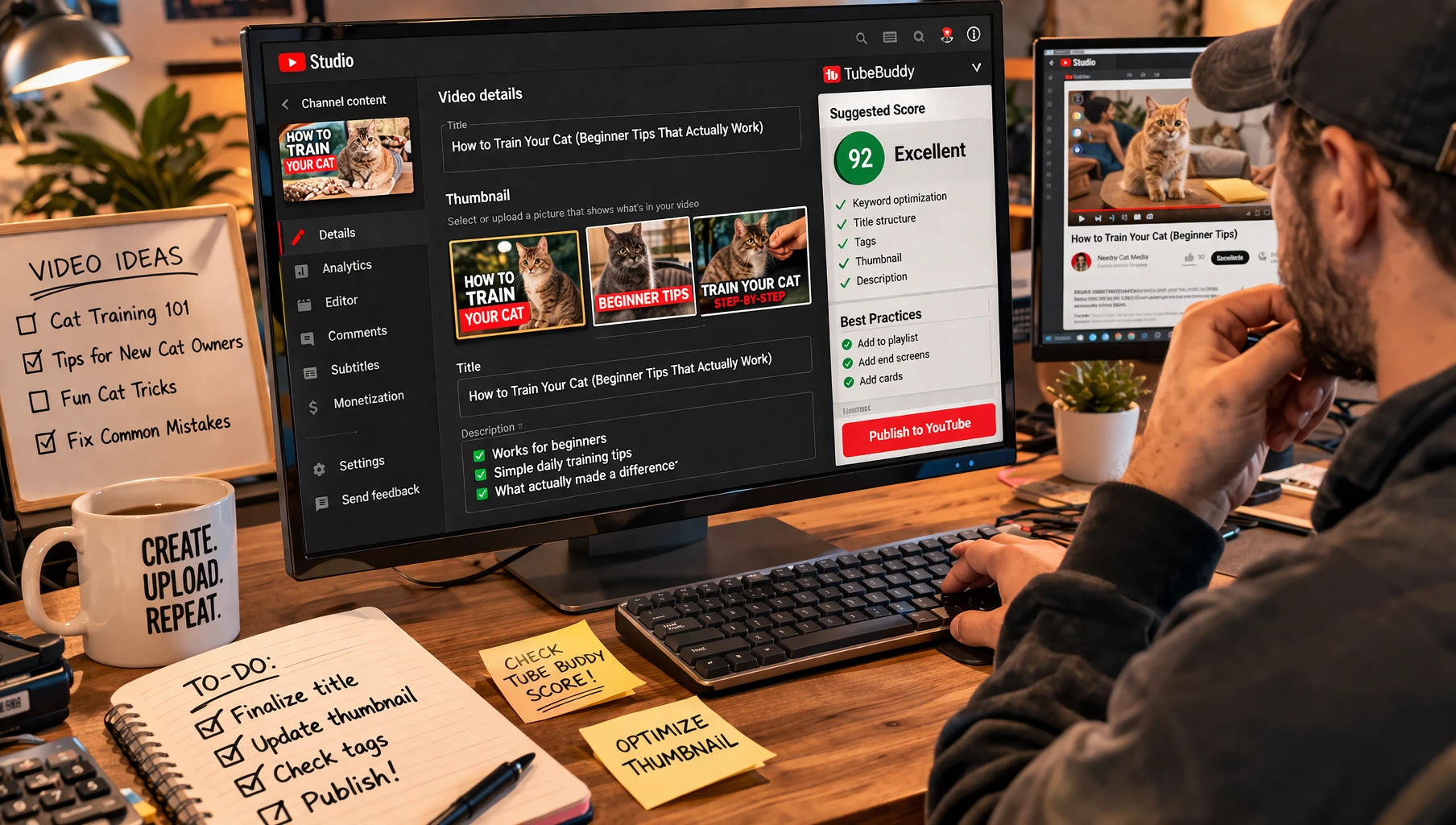
Better packaging gives useful videos a better chance to be noticed.
The Real Win Is Reducing Guesswork
That is the biggest value for me.
TubeBuddy helps reduce some of the “I guess this might work” energy that can creep into YouTube planning. It gives me a more structured way to think through topics, keywords, and optimization choices before I hit publish.
Better decisions repeated consistently are usually more valuable than one lucky video that pops off out of nowhere.
Who I Think TubeBuddy Is Best For
I think TubeBuddy makes the most sense for creators who are actually trying to improve their workflow and stop guessing at every step.
- YouTubers who publish regularly
- Creators who care about search and optimization
- People looking for better topic and keyword direction
- Small business owners using YouTube for content marketing
- Anyone tired of making upload decisions blindly
If you upload once every blue moon and ignore optimization completely, this probably is not your silver bullet. But if you are serious about building smarter habits on YouTube, it is worth a look.
Final Thoughts
TubeBuddy has been one of those tools that actually earns its place in the workflow. I like it because it helps with topic research, keyword planning, and optimization decisions in ways that feel practical instead of bloated.
It has helped me improve how I think through videos before they go live, and that has been useful for increasing views over time. Again, not magic. Just better decisions, better planning, and less random guessing.
In the YouTube world, that kind of clarity is worth a lot.
Want to Try TubeBuddy?
If you want help with finding video topics, researching keywords, and improving your optimization workflow, TubeBuddy is worth checking out.
Affiliate Disclosure
This post may contain affiliate links. If you use them, I may earn a commission at no extra cost to you.
If you enjoyed this post, give it a thumbs up.
0FAQ: TubeBuddy for YouTube Creators
What does TubeBuddy help with?
It can help with topic research, keyword planning, video optimization, and making the overall YouTube workflow more organized.
Can TubeBuddy help improve views?
It can support better planning and optimization decisions, which may help videos perform better over time.
Is it useful for smaller creators?
Yes. Smaller creators can benefit from having more direction around topics, keywords, and search-friendly video planning.
Does it help with thumbnails too?
It can help creators think more critically about overall video packaging, including titles, thumbnails, and optimization choices before publishing.