
Direct access stays intact
Visitors still open tools directly from the resource page. The pillar cards only jump down the same page instead of adding another click.
Needy Cat Media helps creators, small website owners, and everyday users solve practical digital problems with free tools, guides, printable resources, and optional one-time Pro upgrades.
These four paths make the resource page easier for visitors and clearer for AI/search systems. Click a path to jump down the same page.
Scan pages, clean URLs, review sitemaps, and make your site easier for search engines, AI tools, and visitors to understand.
View Search Tools → Creator workflowPrepare images, text, voice content, QR codes, and creator assets for websites, shops, blogs, tutorials, and social posts.
View Creator Tools → QR + printCreate practical QR resources for contact sharing, travel, luggage tags, printable forms, and real-world use without over-sharing personal details.
View QR Tools → ExtrasFind supporting tools, software downloads, media cleanup helpers, guides, and small utilities that save time when the job is oddly specific.
View Utilities →This resource hub groups Needy Cat Media tools into clear paths so you can find the right tool faster. Start with search readiness, creator utilities, printable QR and privacy tools, or general downloads and guides. Each section includes direct links to the tools, related resources, and practical next steps.
Search readiness, creator prep, QR sharing, and supporting utilities are connected, but they no longer have to compete for attention on one giant pile of cards. Fancy concept: organization.
Use these tools when you want cleaner pages, better search visibility, stronger AI answer readiness, and a site structure that makes sense before you publish or rescan.
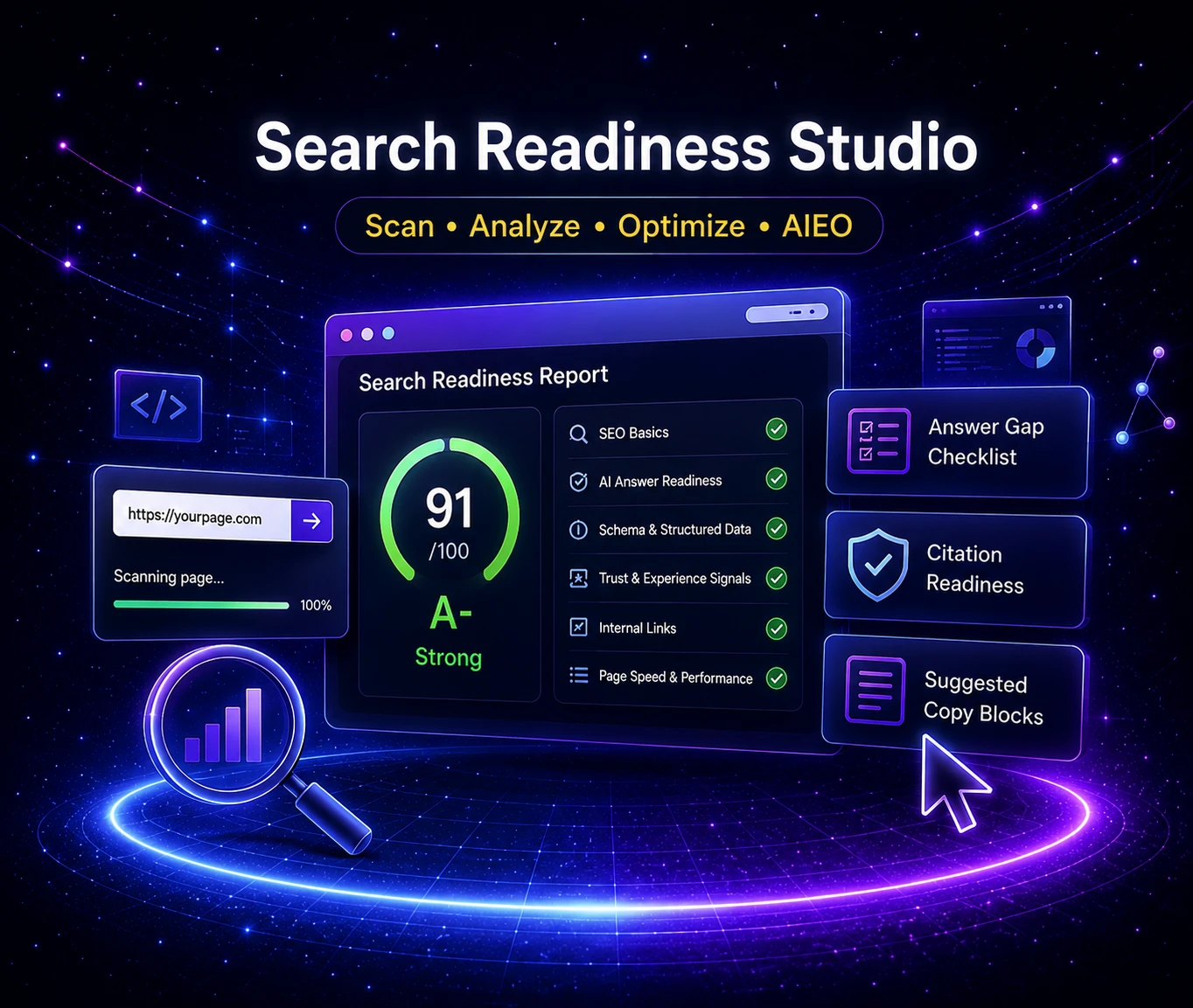
Scan a public page for SEO basics, AI answer readiness, schema, trust signals, internal links, citation readiness, and copy gaps.
Create clean slugs, page paths, full URLs, canonicals, redirect lines, and starter metadata in one workflow.
Review key pages and generate cleaner sitemap.xml and robots.txt files with more control before submitting or updating your site.
Use these tools when you are preparing content assets for a website, blog, shop listing, YouTube workflow, Pinterest pin, social post, or small business project.
Resize, compress, and convert images for blogs, product pages, Pinterest, Etsy, thumbnails, and other creator workflows.
Clean up text, count words, and create simple audio from scripts, notes, drafts, and working content before you publish.
Turn links, Wi-Fi details, contact cards, events, and promotions into QR codes for print, websites, and offline sharing.
Use these resources when you want practical, real-world QR tools for travel, contact sharing, luggage tags, printable inserts, and helpful offline-to-online workflows.
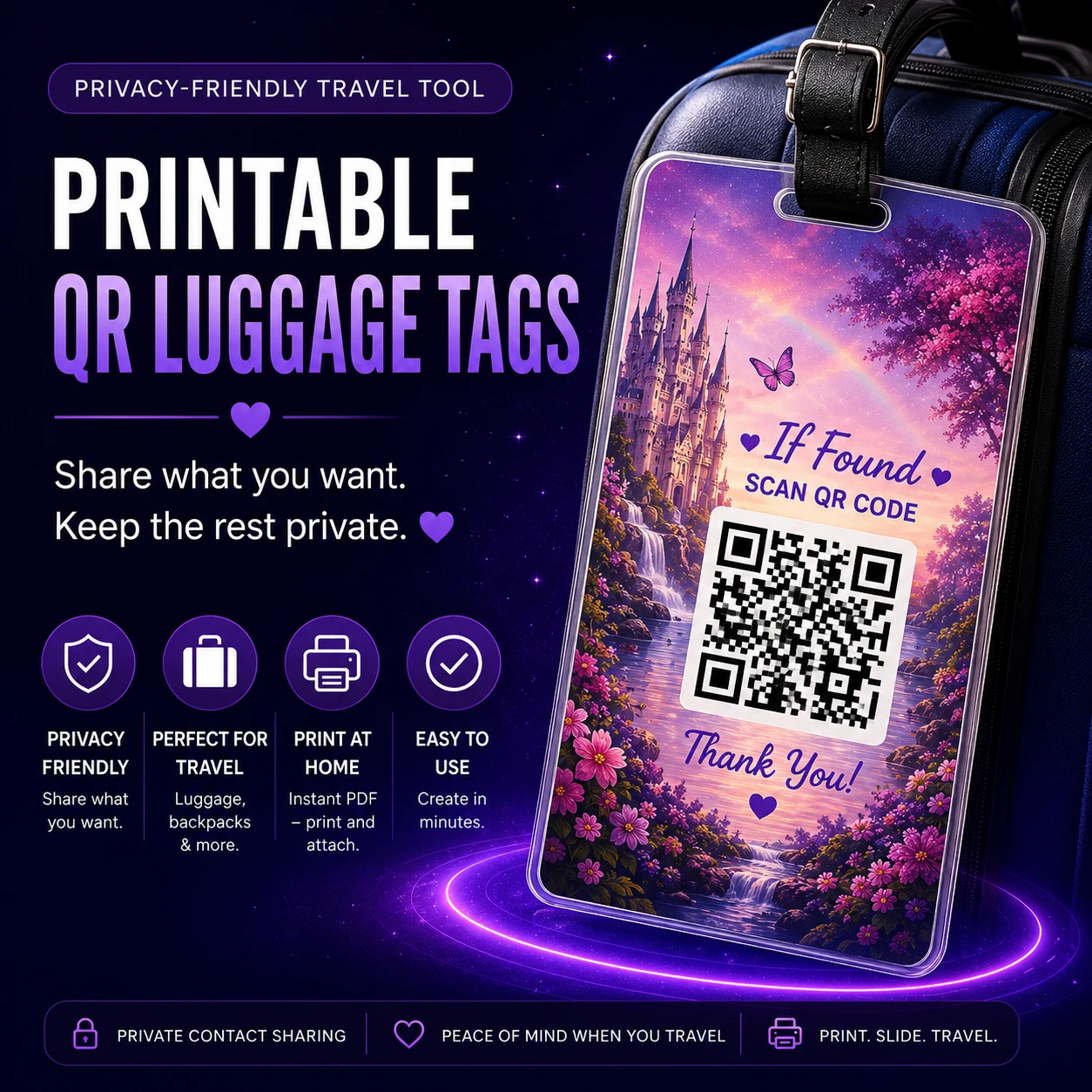
Create printable QR luggage tags that help a found bag make its way home without printing every personal detail on the outside.
Create vCard, link, Wi-Fi, email, SMS, and event QR codes for practical sharing at home, work, travel, or events.
Create printable planners, checklists, flyers, recipe cards, and custom templates. Supported templates can also include a scannable contact QR code for quick follow-up.
This section keeps the helpful extras without making them compete with the main authority lanes. They support real tasks, quick fixes, media cleanup, software setup, and learning resources.
Review and fix Plex file names and folders for movies and TV shows, with rollback support before you apply changes.
Build a creator-ready Windows setup and install multiple apps faster without the usual scavenger hunt.
Explore browser-based extras like password tools, sitemap helpers, air fryer conversion, and small utilities that still save time.

Browse trusted creator software with notes and links to official downloads instead of sketchy mirror nonsense.
Grab practical guides for pets, tech, creator workflows, and helpful extras from Needy Cat Media.
The tools stay easy to reach, but the page now explains the larger purpose behind them: search readiness, creator workflows, QR/privacy resources, and supporting utilities.
Visitors still open tools directly from the resource page. The pillar cards only jump down the same page instead of adding another click.
Each tool has a clearer home, which helps users, internal linking, search engines, and answer engines understand the site structure.
The fourth pillar keeps downloads, utility tools, media tools, and guides useful without letting them blur the main brand promise.
Short answers help users make faster decisions and give AI/search systems cleaner page context.
Needy Cat Media Resources is a hub of free and optional Pro tools for search readiness, creator workflows, QR codes, printable resources, utilities, downloads, and guides.
Start with the pillar that matches the job: Search Readiness for SEO and AEO work, Creator Utility Tools for images and content prep, Printable QR and Privacy Tools for real-world QR resources, or Utilities, Downloads and Guides for supporting extras.
Core tools are available for free. Some tools offer optional one-time Pro unlocks for expanded features without a subscription.
The pillars help visitors quickly find the right workflow while also giving search engines and AI systems a clearer understanding of what each group of tools is designed to solve.
Start with search readiness, creator prep, printable QR resources, or supporting utilities. Use the free tools first, then upgrade only when Pro saves enough time to be worth it.