
Easy to return
If your bag is found, the QR code gives the finder a simple contact path without crowding the tag face with every personal detail.
Privacy-Friendly Travel Tool
Create a printable QR luggage tag for travelers who want a safer way to label bags without showing personal details. Great for business trips, family travel, vacations, and everyday gear. Choose a design, print it at home, scan-test it, and slide it into a clear tag holder.
New: add Needy Cat Media to your phone, tablet, or desktop for one-tap access to QR tools, privacy tags, image tools, and search checks.
Traditional luggage tags can expose more personal information than you want sitting on a suitcase, backpack, sports bag, or camera bag. A QR tag gives someone a simple way to reach your contact card while keeping the outside of the tag cleaner and more private.
If your bag is found, the QR code gives the finder a simple contact path without crowding the tag face with every personal detail.
Make a tag before you leave, print it at home, trim it, and place it in a clear holder. No seller messages, no waiting, no tiny luggage-tag panic spiral.
Create QR tags for backpacks, kids’ bags, sports bags, lunch bags, coolers, carry-ons, camera bags, and other travel gear.
Standard tags are sized for larger luggage holders. Small tags are better for backpacks, sports bags, lunch bags, coolers, kids’ bags, and smaller clear holders.
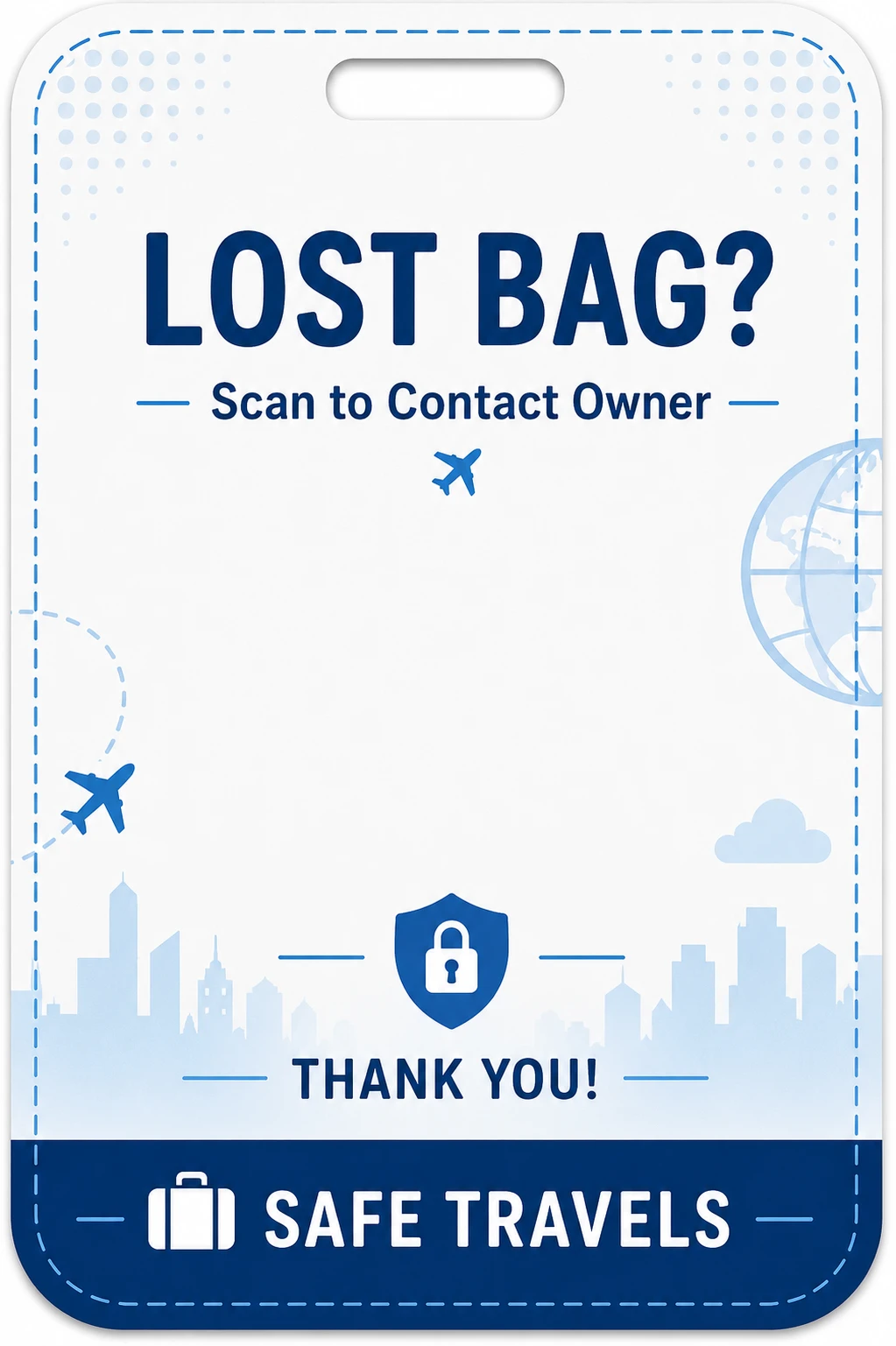 Clean Travel
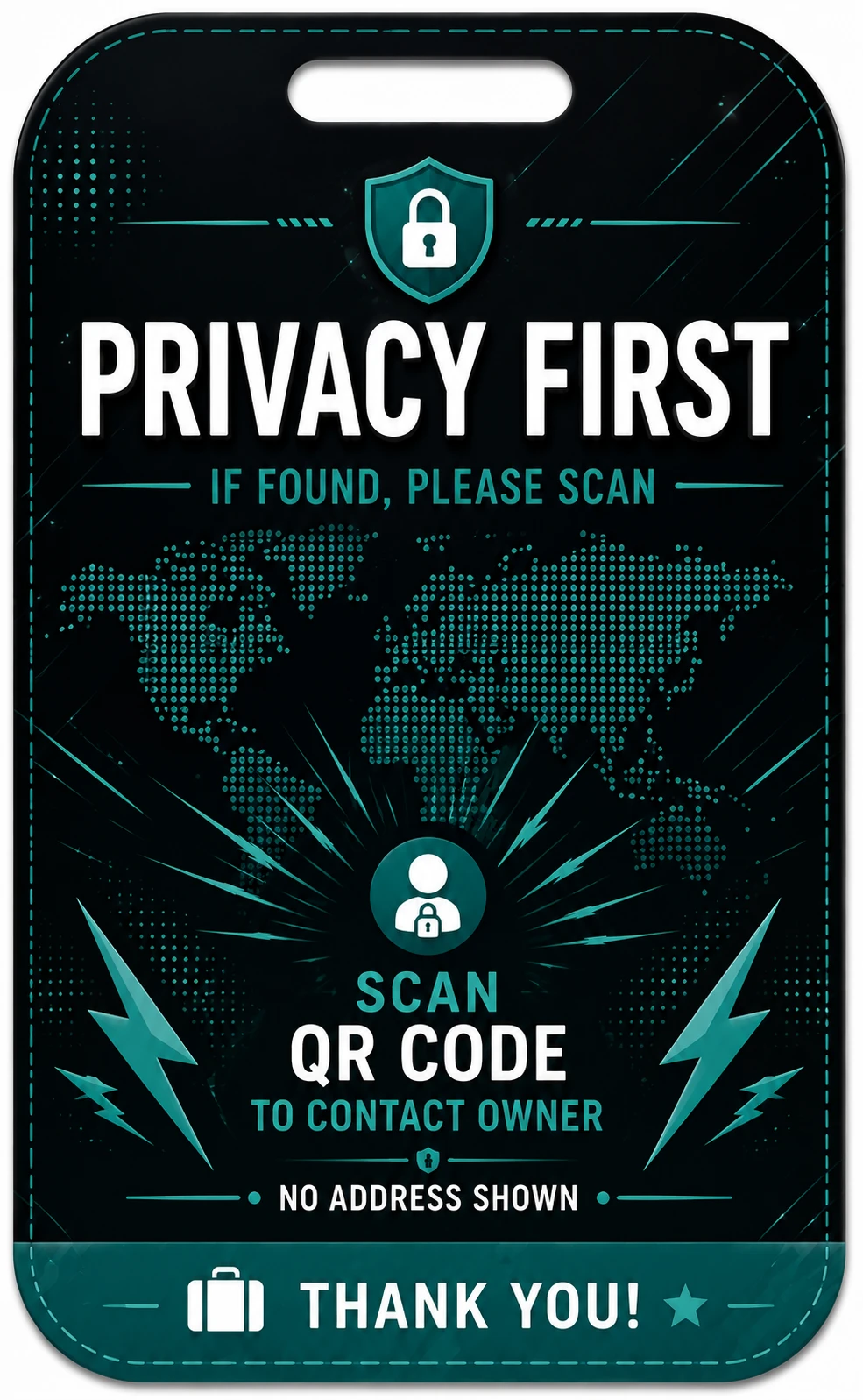 Privacy First
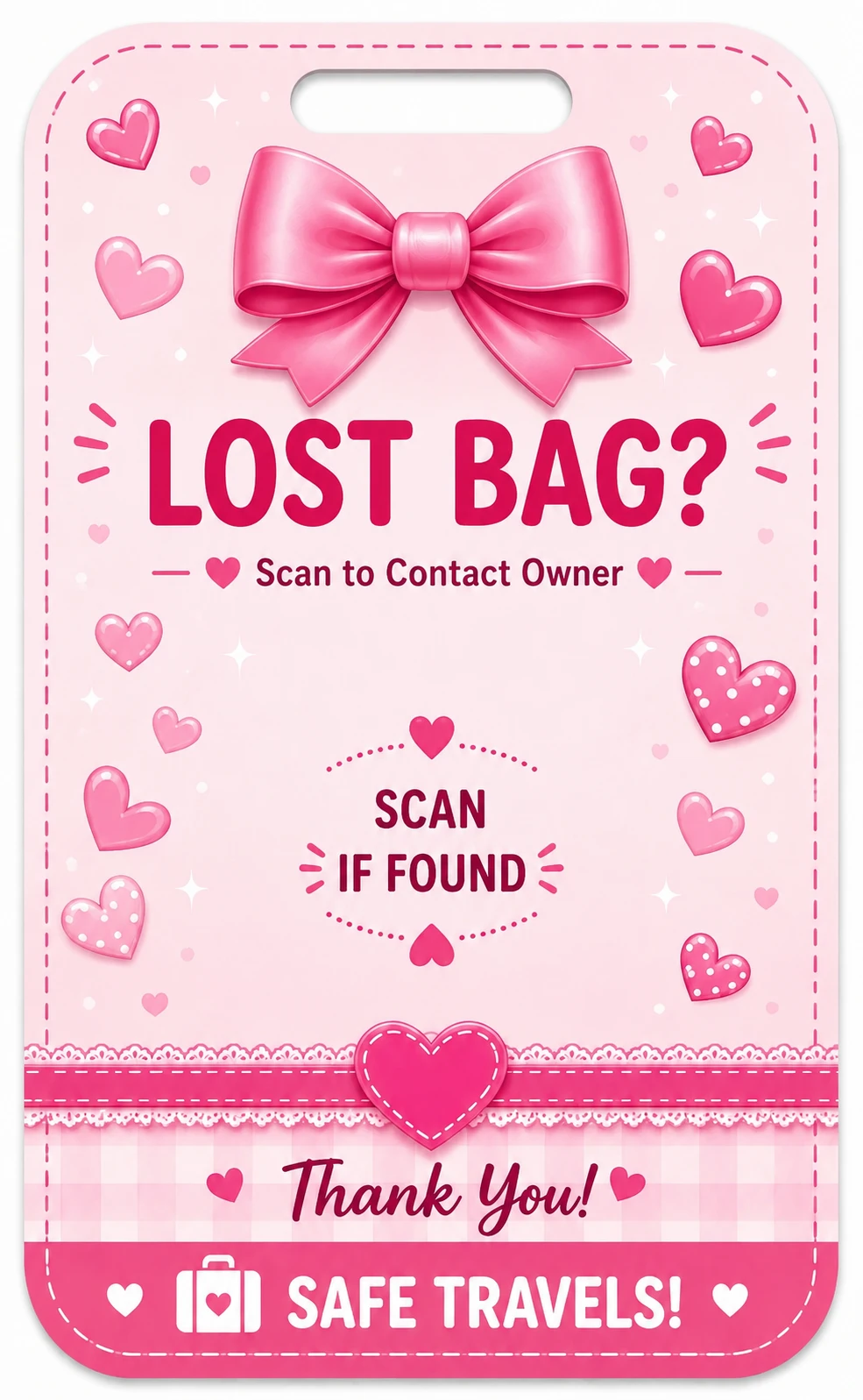 Pretty in Pink
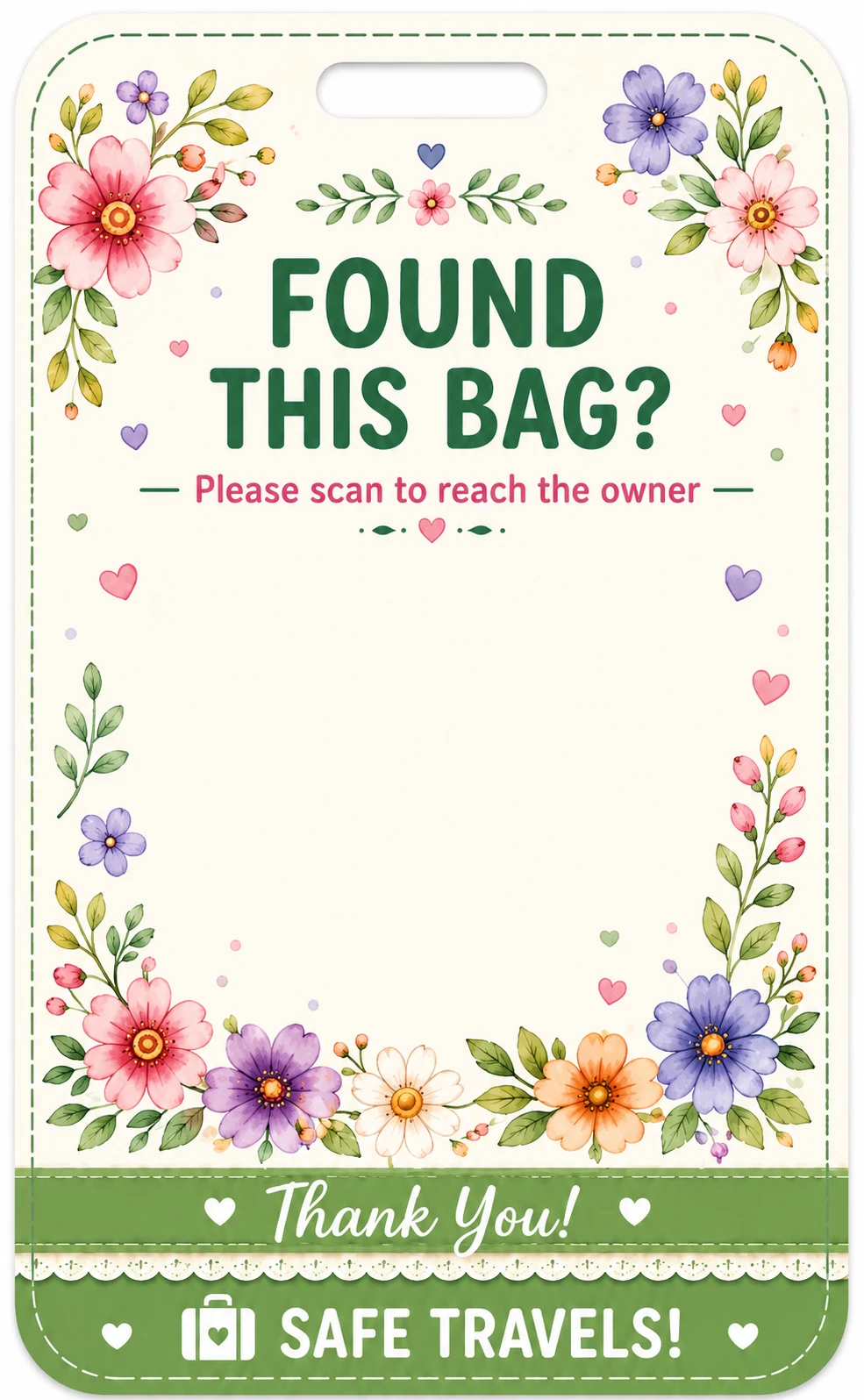 Floral Bloom
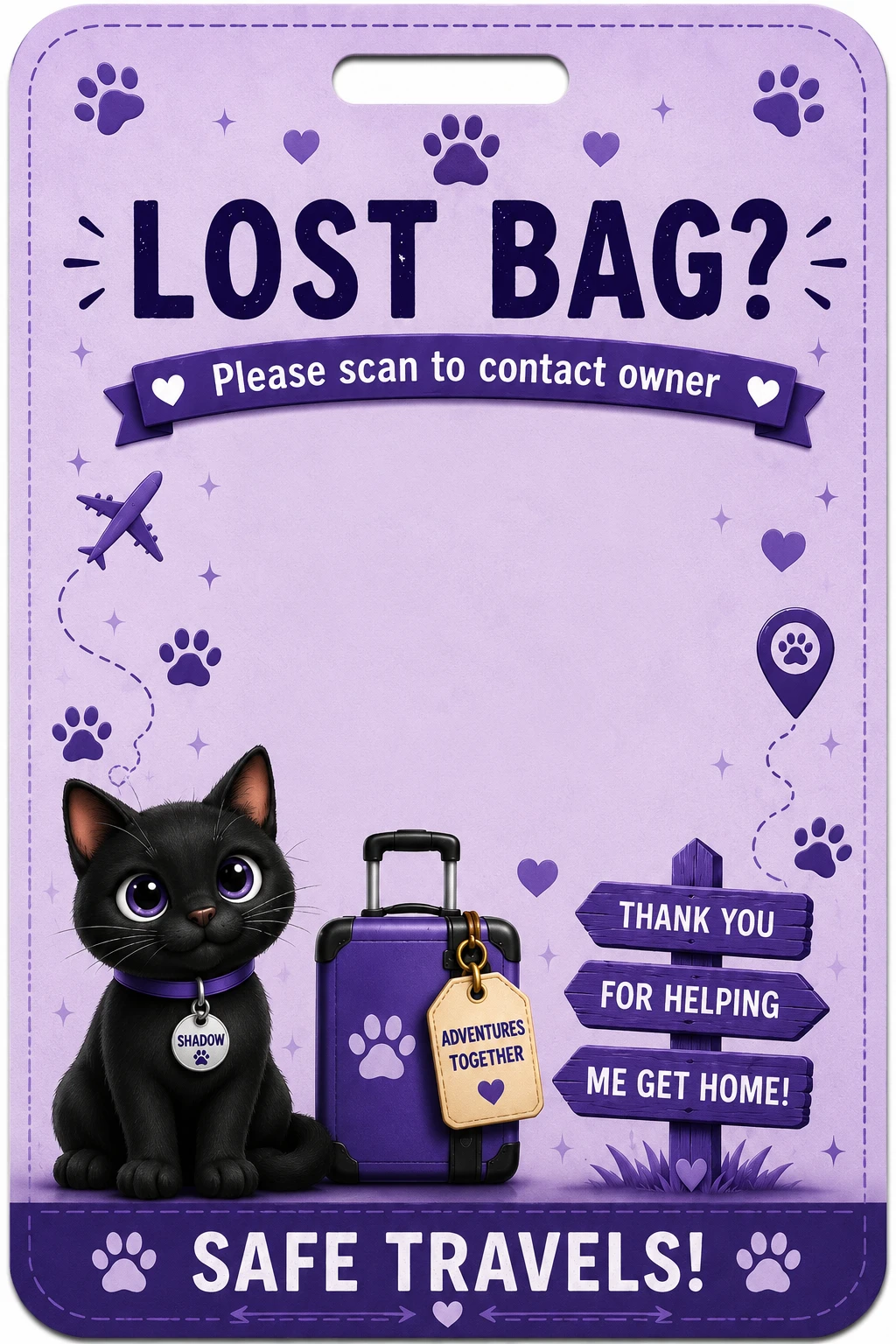 Cat Travel
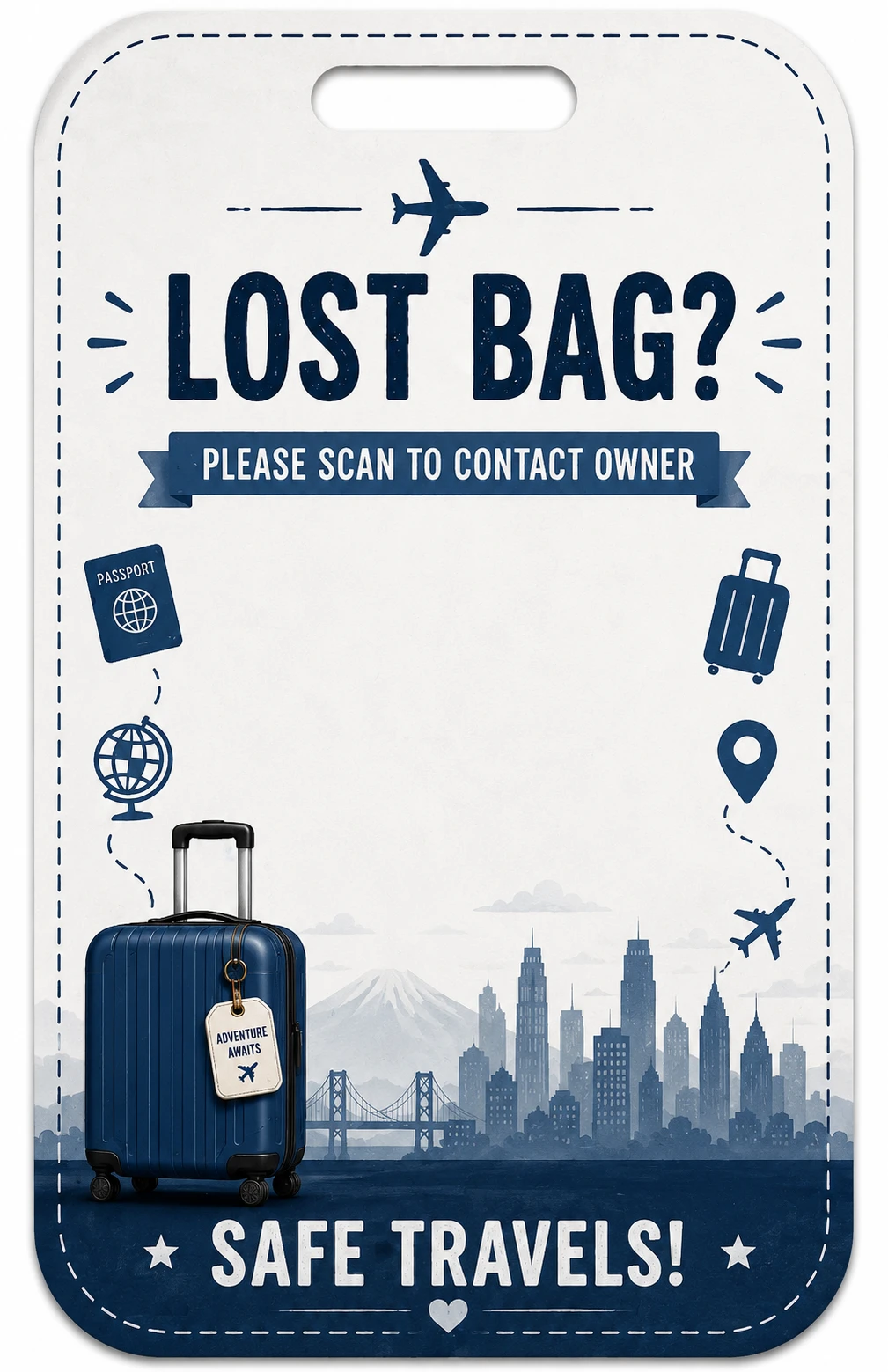 Business Trip
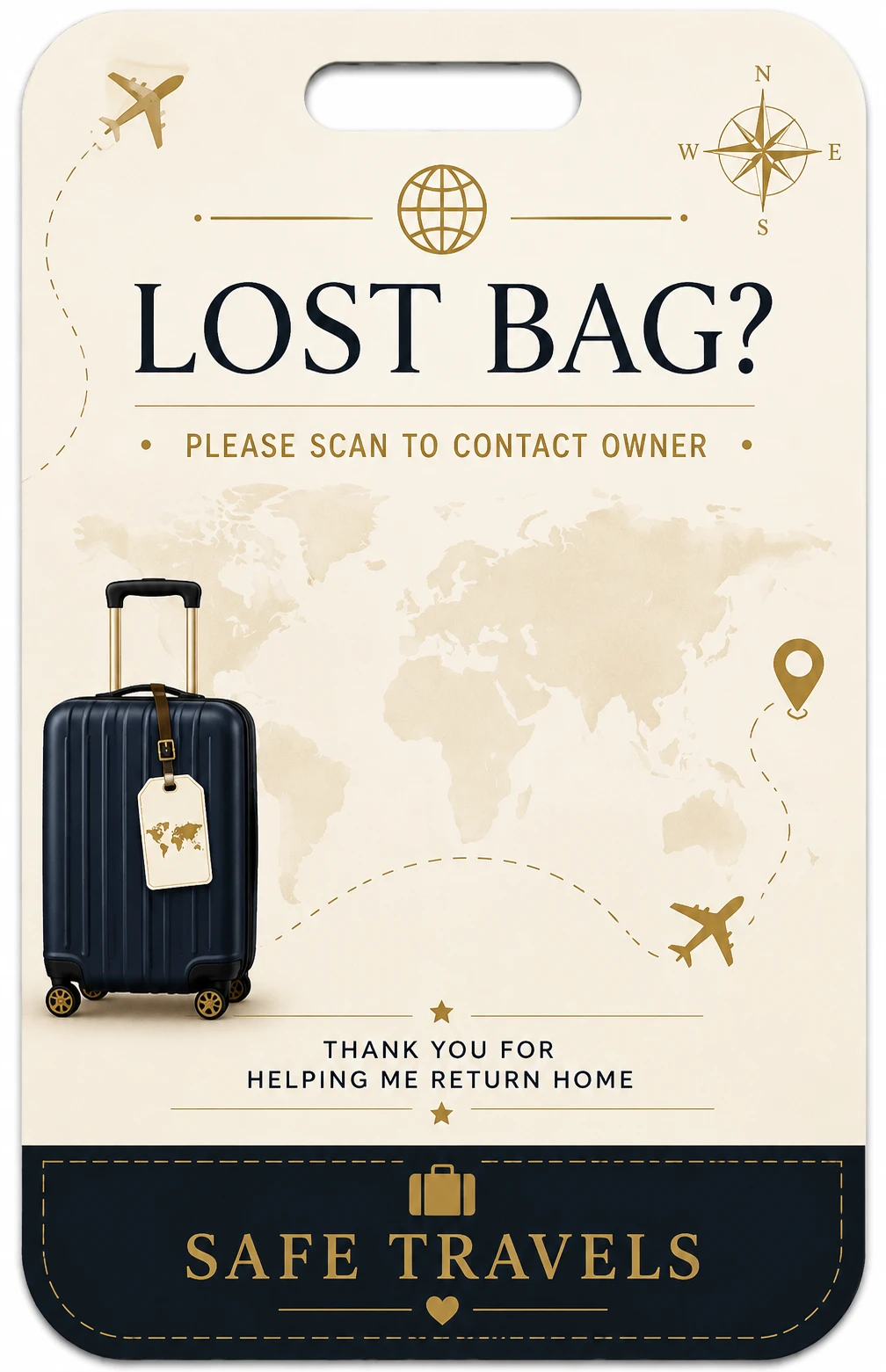 Premium Minimal
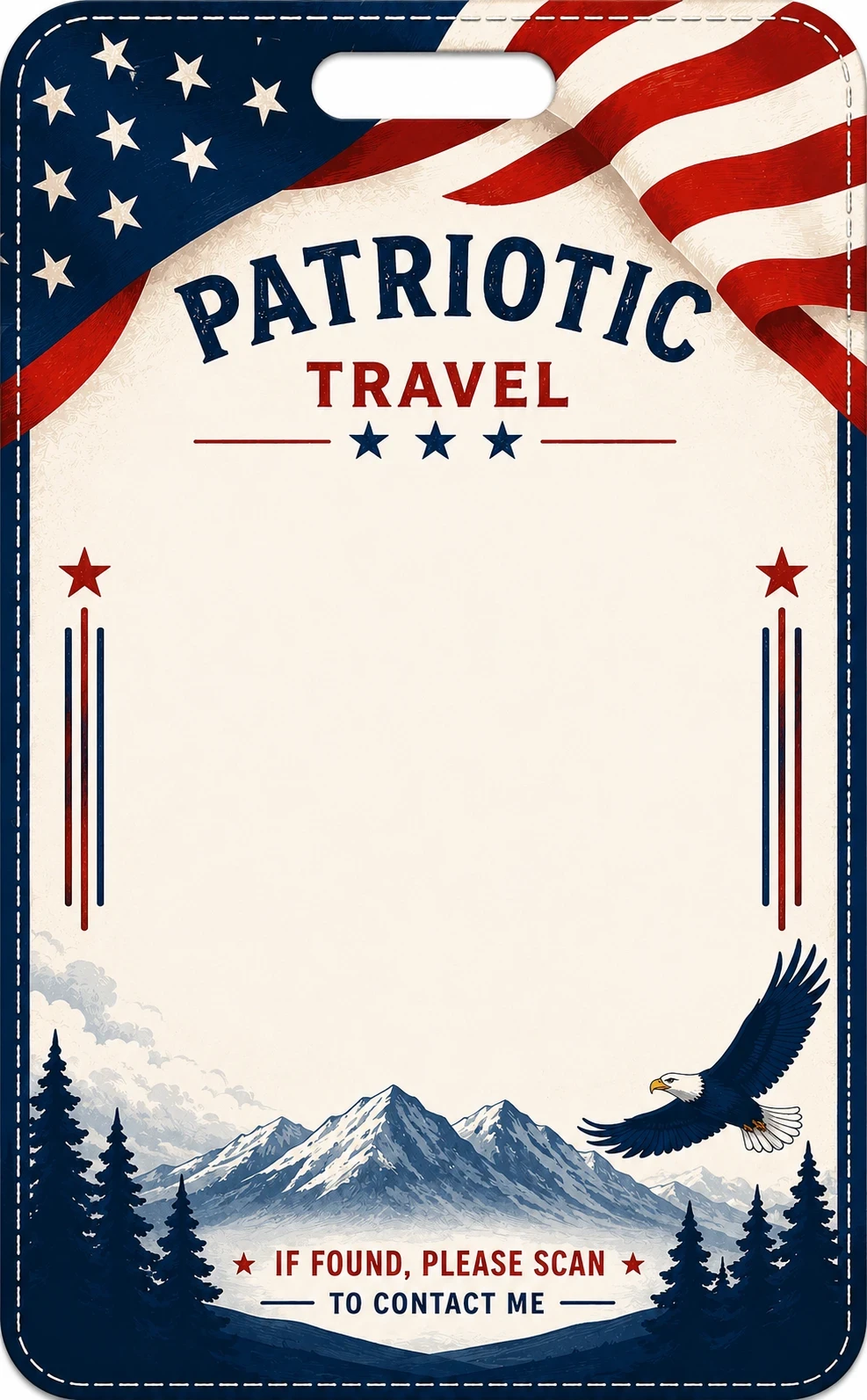 Patriotic Travel
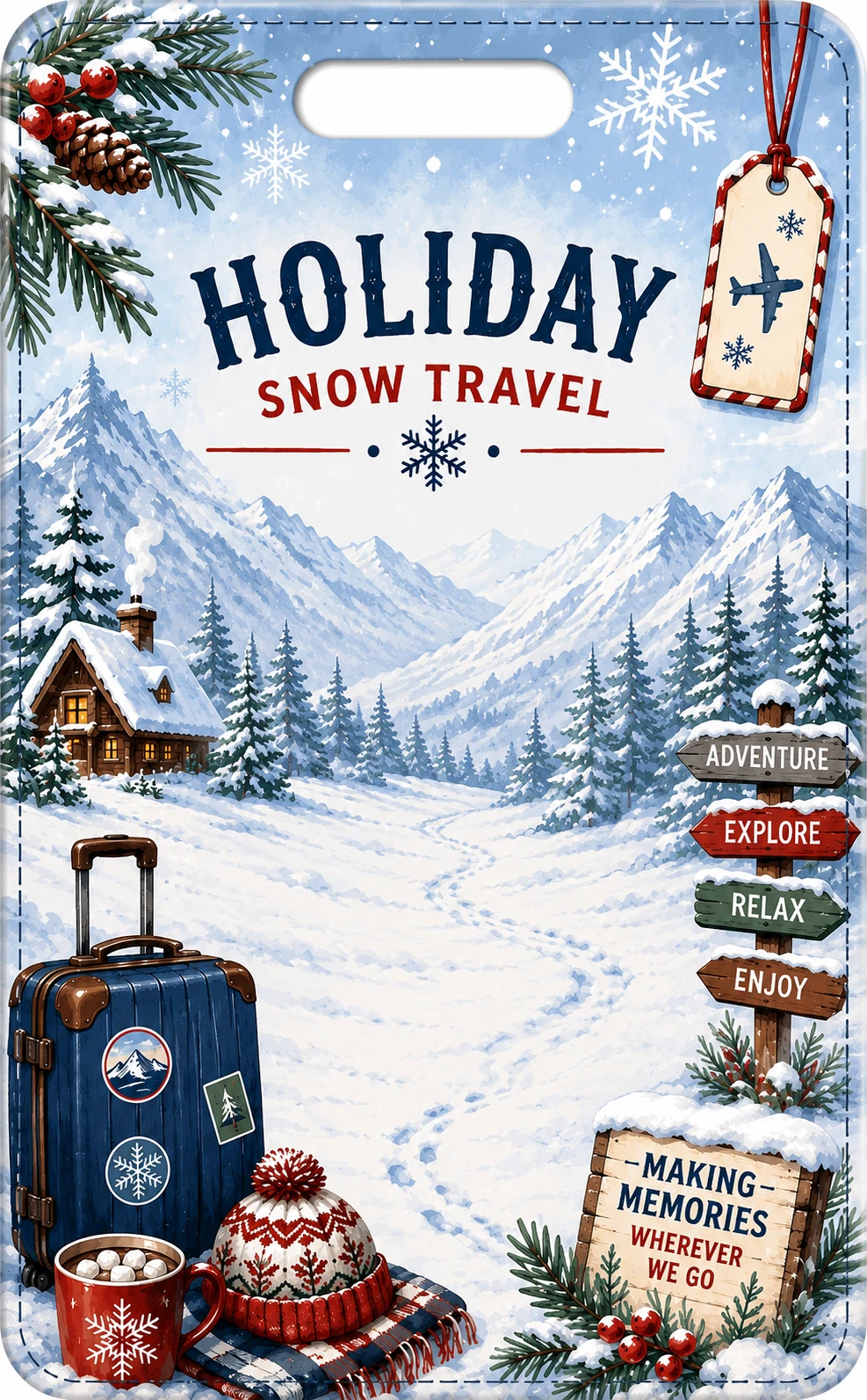 Holiday / Snow Travel
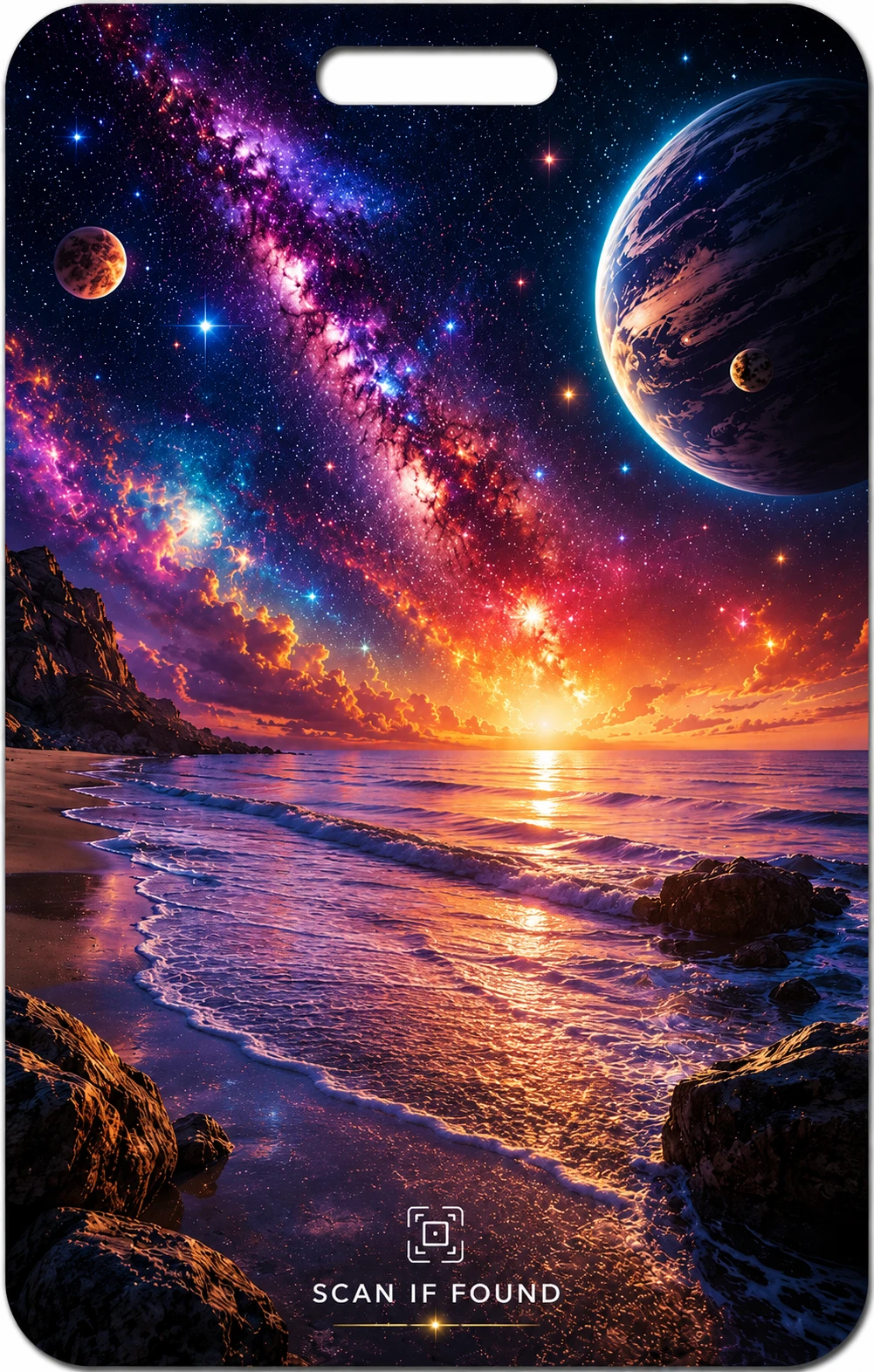 Cosmic Shore
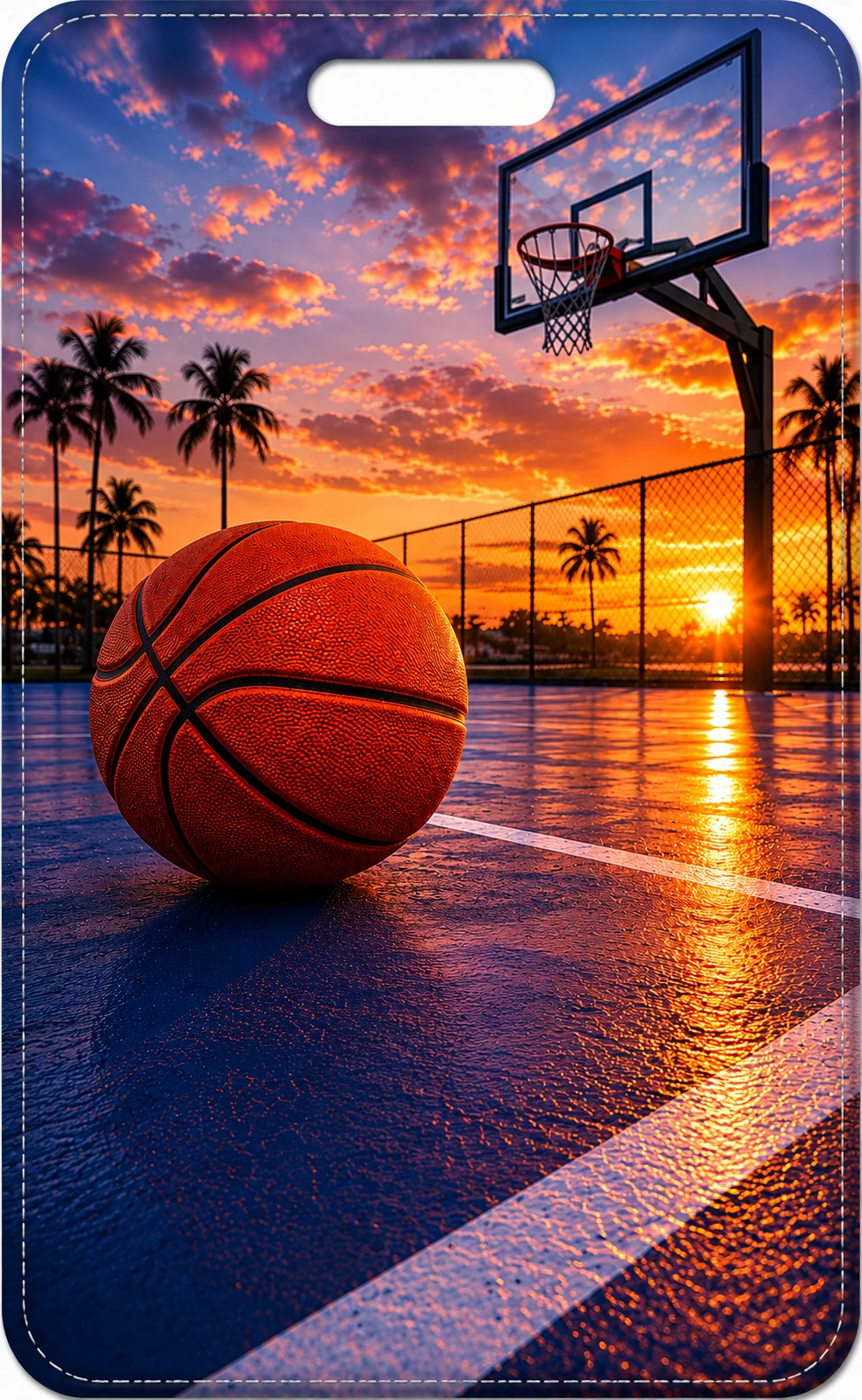 Basketball Sunset
 Soccer Sunset
 Butterfly Meadow
 Bridge & Stream
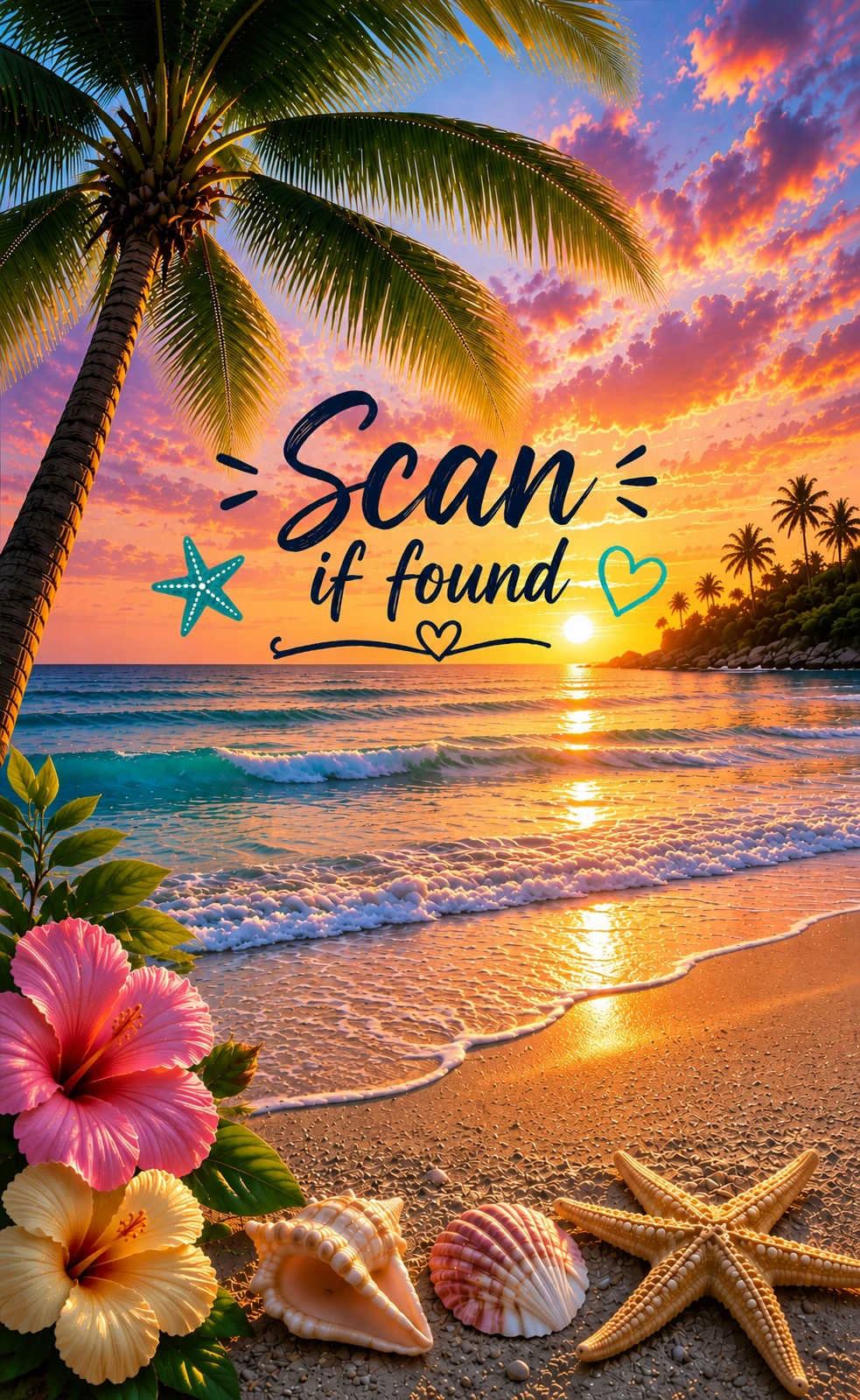 Tropical Scan
 Royal Helper
 Rainbow Helper
 Sports Champ
 Hero Power
 Dino Rescue
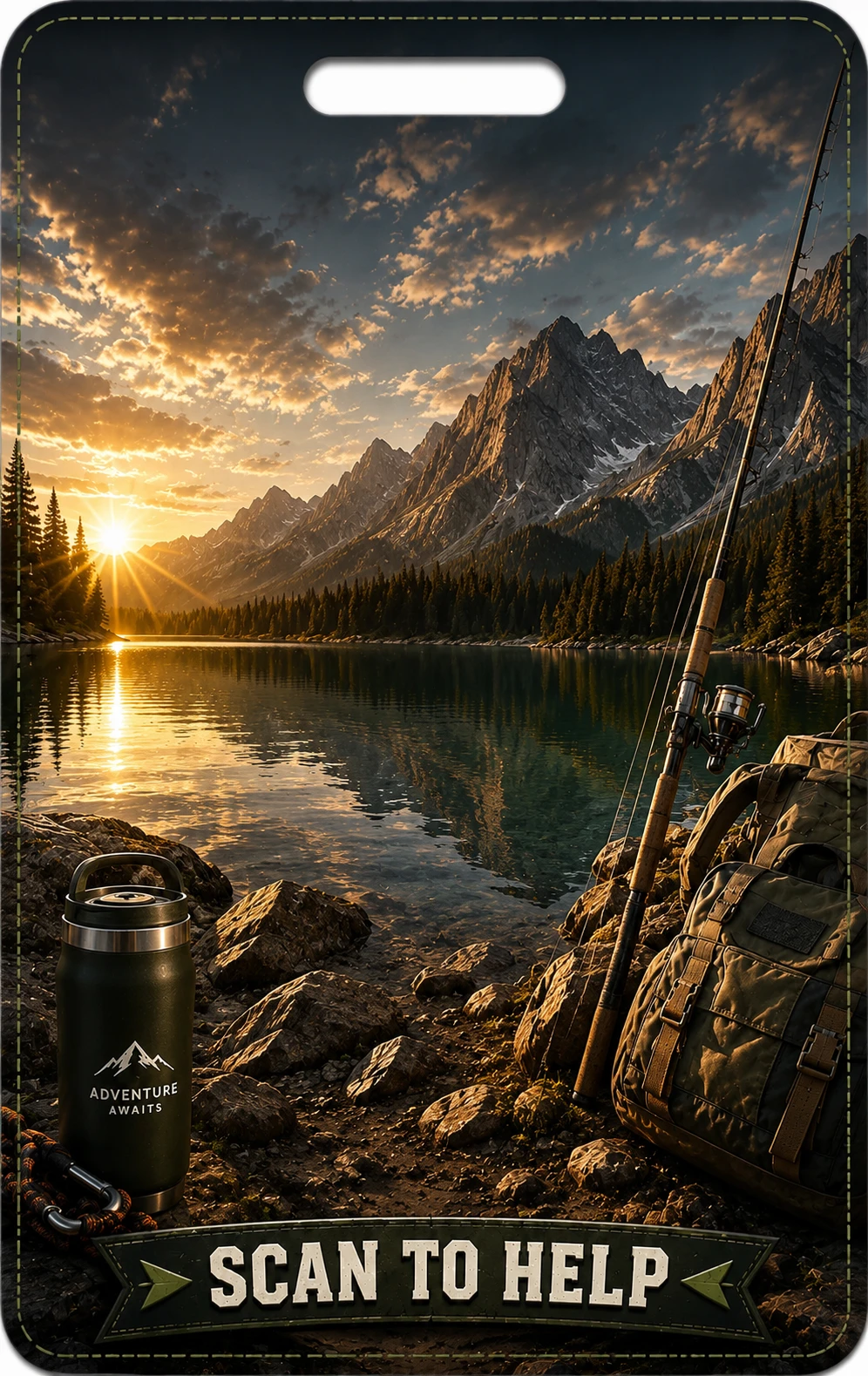 Outdoor Trail
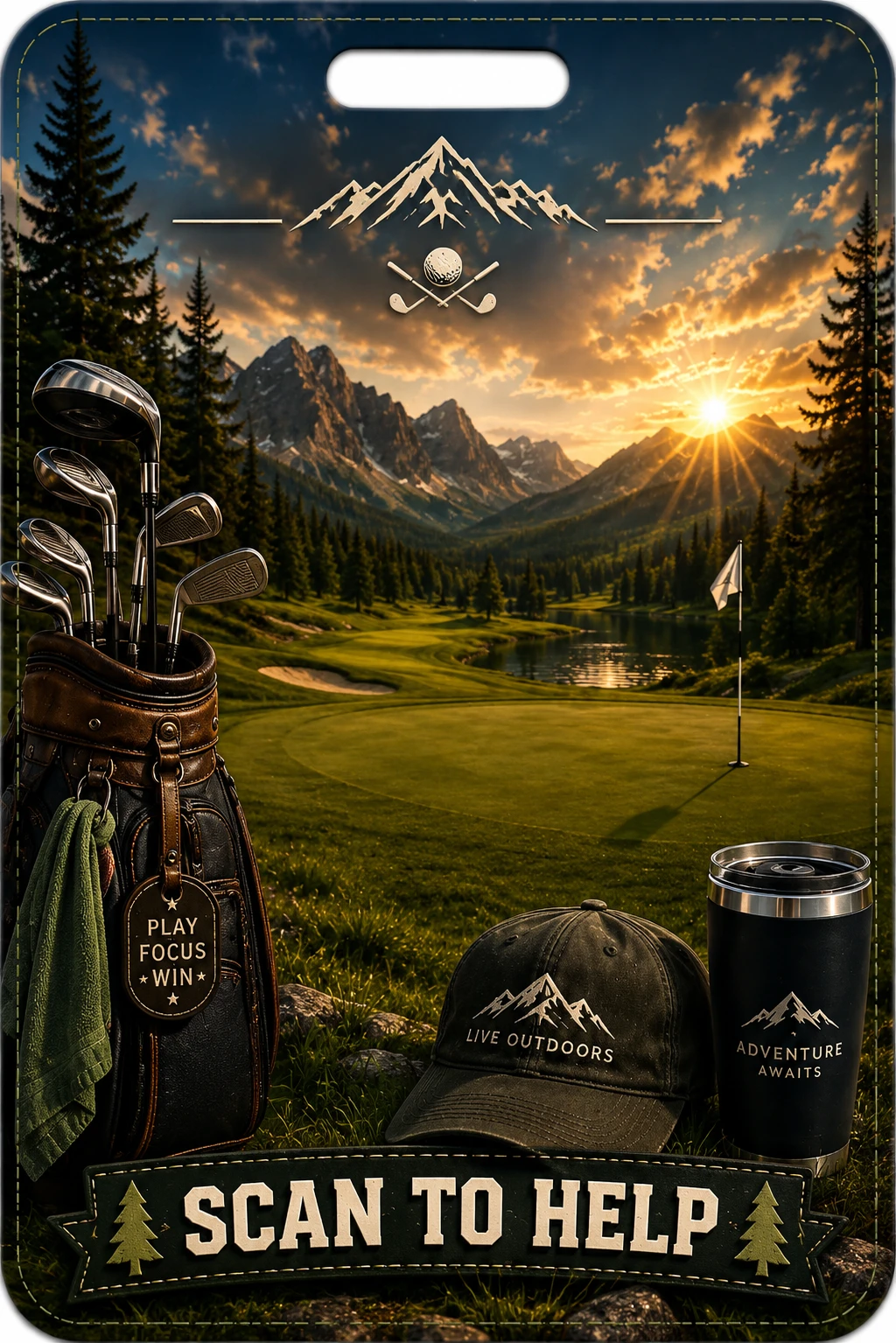 Golf Classic
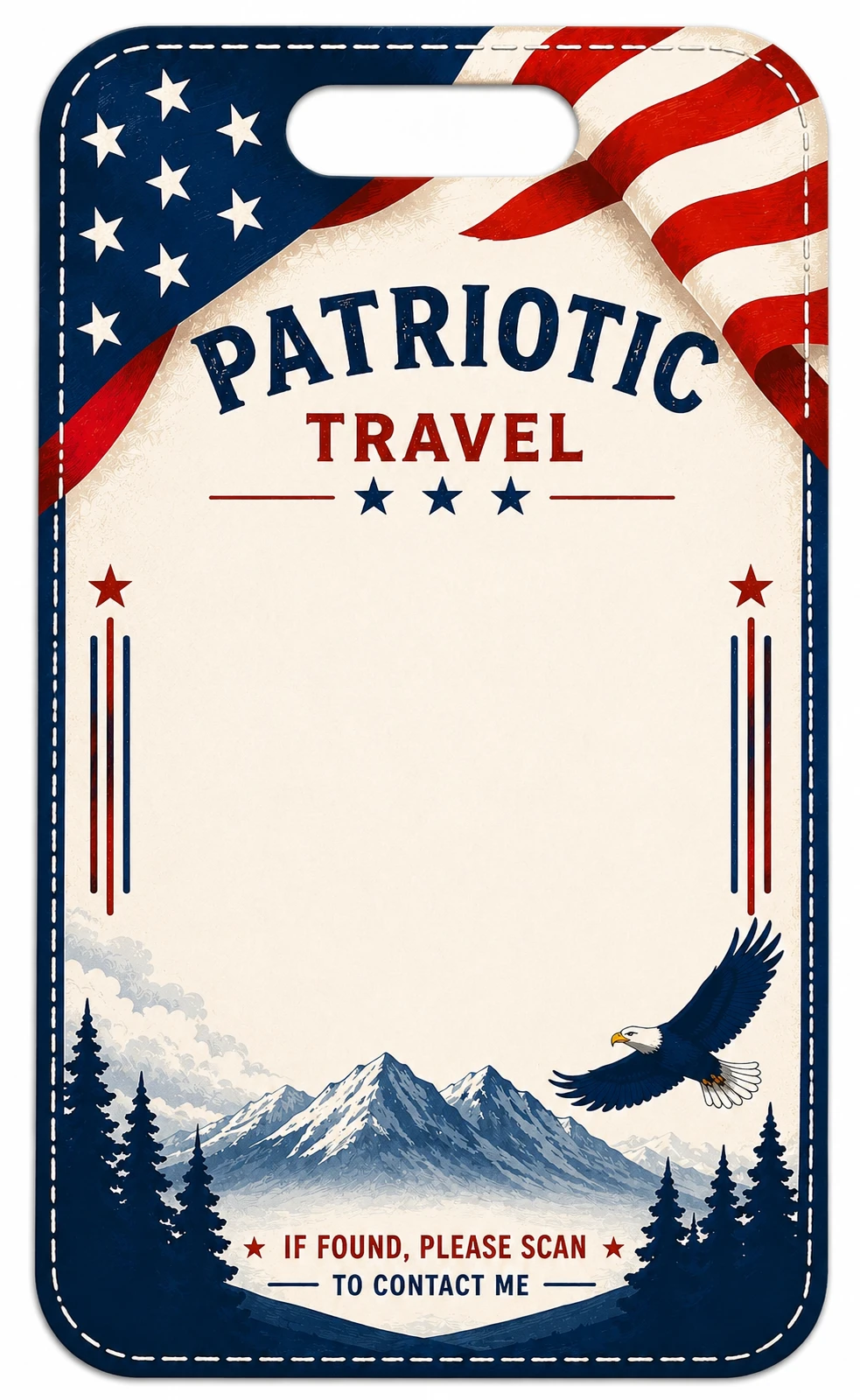 Patriotic Travel
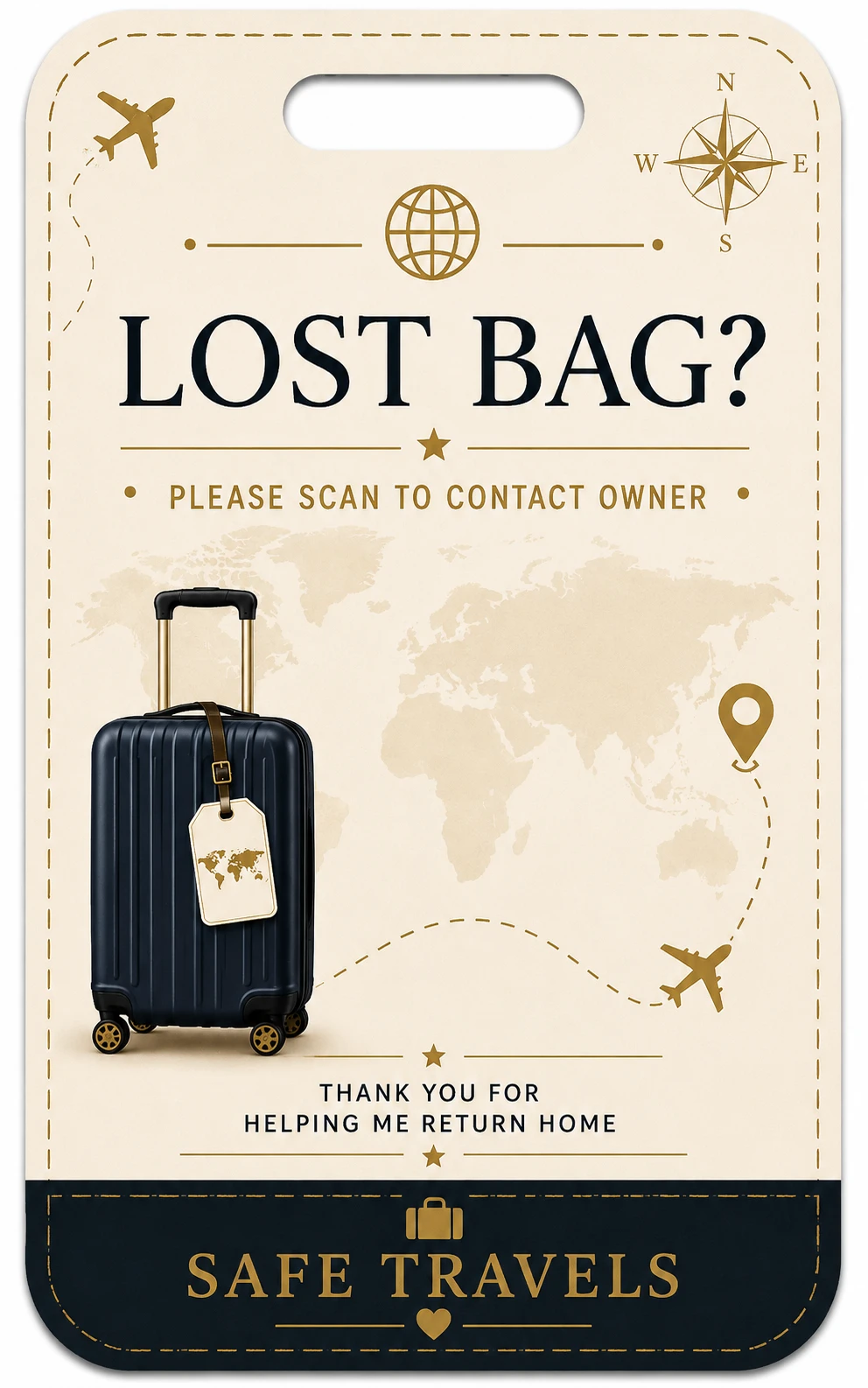 Lost Bag Classic
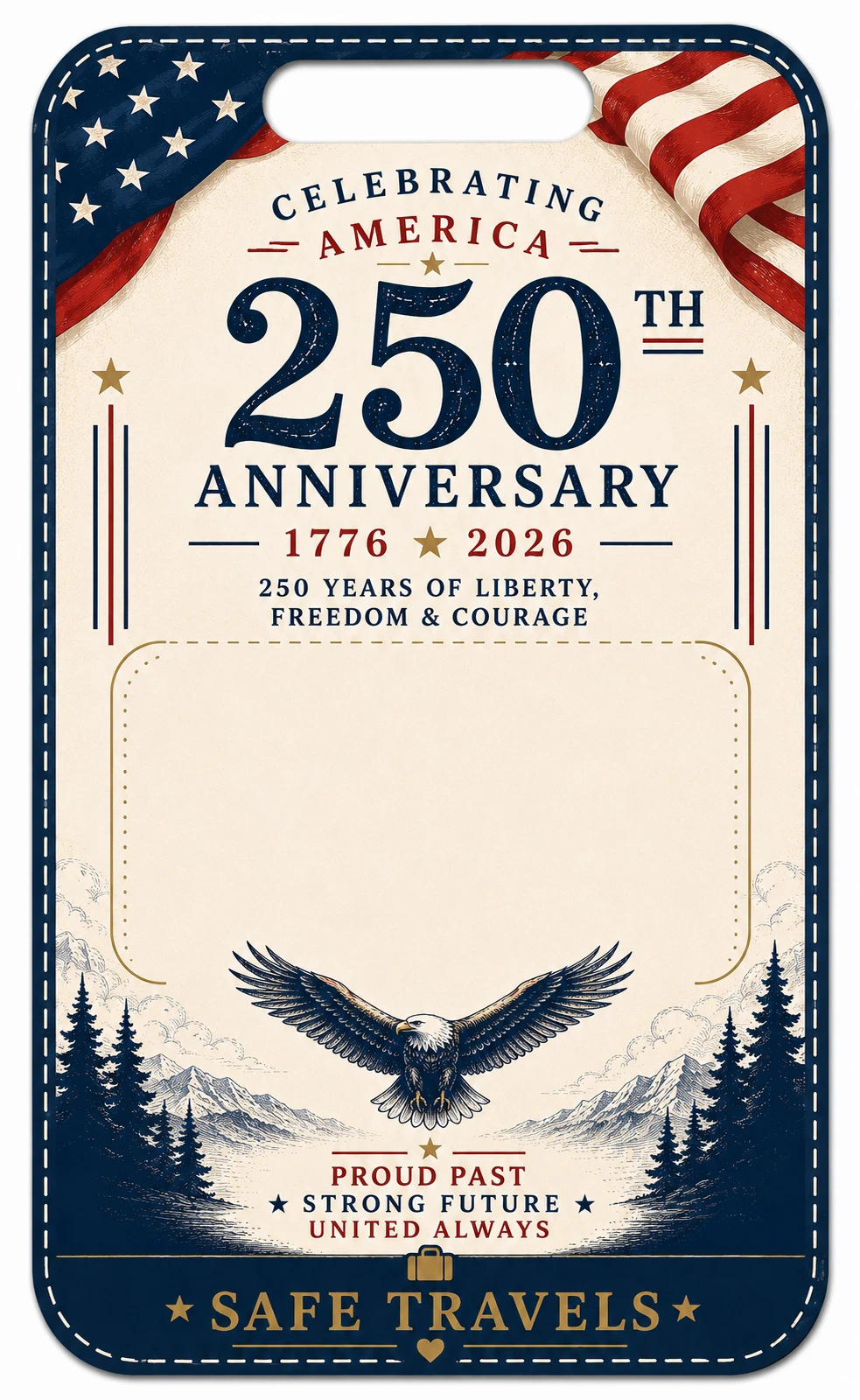 America 250
 NCM Support
After previewing the styles, create your QR code and use the builder below to place it on the final printable tag.
Start by creating a QR contact card, then choose a privacy-friendly luggage tag design. You can use a standard tag for luggage holders or a small QR tag for backpacks, kids’ bags, sports bags, and smaller clear holders.
Add the contact details you want included in your QR code. The printed tag can stay clean while the QR code provides the scan-if-found contact path.
Pick a standard printable tag for luggage sleeves or a small 2" × 3.25" QR privacy tag for backpacks, kids’ bags, carry-ons, and smaller holders.
Print on photo or glossy paper, trim the insert, and slide it into a clear luggage tag holder. Always scan-test the printed QR code before using it on a trip.
Private printable QR tags use simple supplies: clear tag holders and photo or glossy cardstock. The good news is that these supplies usually come in multi-packs, so after the first purchase you can print more tags for future trips, kids’ bags, backpacks, cruise luggage, sports bags, camera bags, and everyday gear.
Example starter supplies may run around $20–$25 before tax or shipping, depending on the holders, paper, pack size, and current store pricing. Prices can change. The more tags you make from the same supplies, the lower the average cost per tag becomes.
Needy Cat Media may earn from qualifying purchases through recommended product links. We list the supplies to be transparent about what is needed to make the printed tags.
Want to make tags like the ones shown here? These are the kinds of tag holders and paper we use.
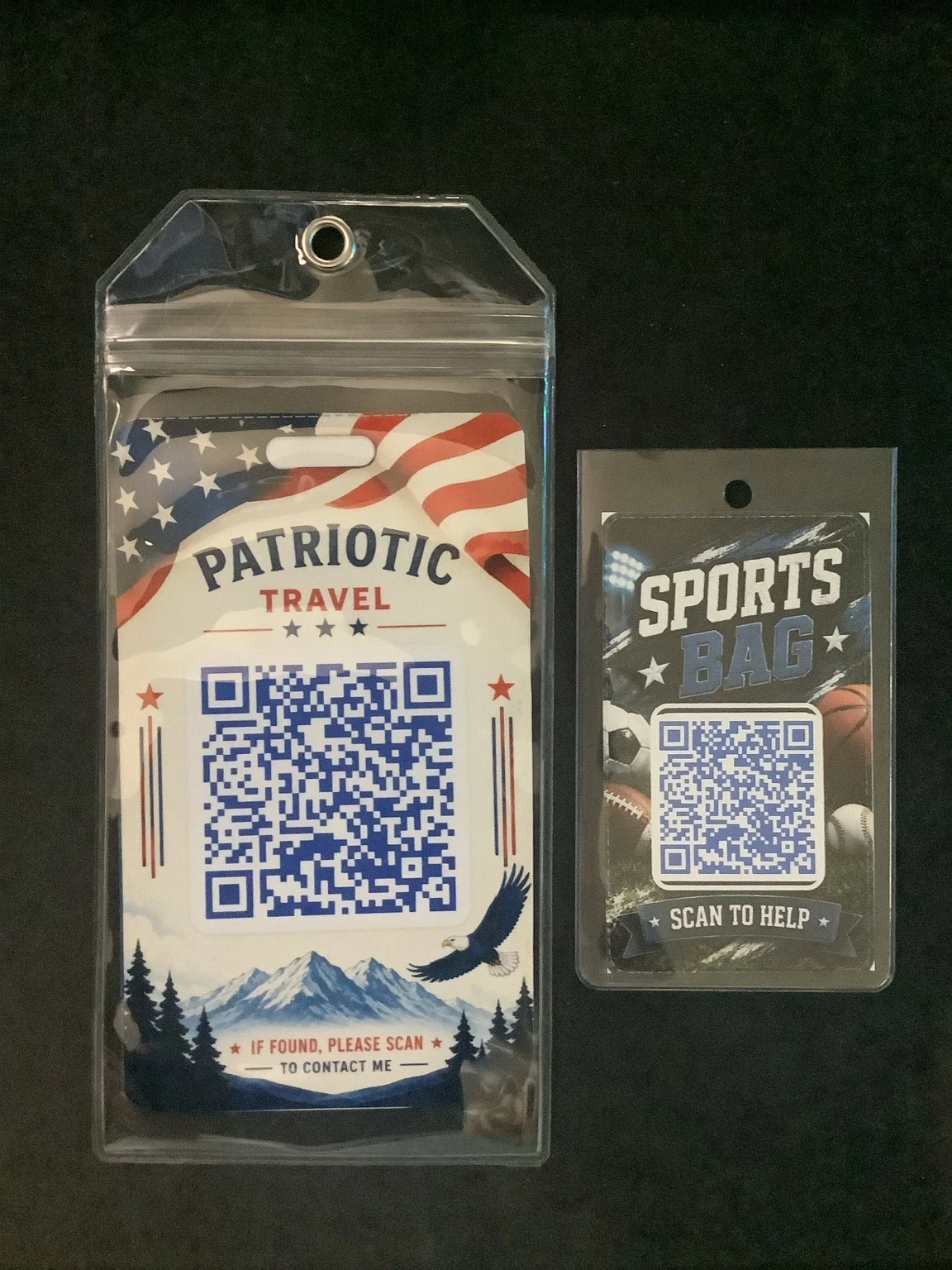
These are real printed examples of our standard and small QR tags inside clear holders. Once you have the holders and photo paper, you can print new private tag inserts whenever you need them.
Standard tags work well for larger luggage sleeves, while the smaller format is useful for backpacks, sports bags, and smaller clear holders.
Watch a short walkthrough showing how to create your QR contact code, choose a privacy-friendly tag design, preview your insert, then download or print your finished tag.
Start here
This builder turns a QR contact code into a printable bag tag insert. Preview a few sample styles below, then create your QR contact code to unlock the full template gallery.
Sample templates shown — more free and Pro designs are available after you create your QR code.
Example Standard Travel
Example Small Kids Tags
Example Sports Bags
Example Free Support Tag
Your contact details are used in your browser to build the tag. Small QR tags do not print your name, phone number, email, or address on the tag face.
Quick answers about private QR luggage tags, holder sizing, paper choice, what to include, and scan reliability.
Standard templates are designed around a 3.5" × 5.7" luggage tag holder size. Holders around 3.35" × 6.1" should also work well. Small QR tags print at 2" × 3.25" for backpacks, kids’ bags, carry-ons, lunch bags, and smaller tag holders.
Photo or glossy paper usually gives the best color, sharper text, and better durability than standard copy paper.
Many travelers prefer not to show a full home address on the outside of a bag. A QR tag lets you create a cleaner scan-if-found contact option while keeping the printed tag face more private.
A QR luggage tag lets someone scan your tag to contact you without printing all of your contact details visibly on the outside of your bag. Small QR tags are especially useful when you want a privacy-friendly, QR-only tag face.
Yes. Always scan-test the printed QR code before using it on a trip. Print quality, paper type, scaling, and holder glare can affect scan reliability.