
Create your vCard QR code
Start with your contact details in the QR generator. The luggage tag uses that QR code so someone can scan it if your bag is found.
QR Travel Tool
Turn your vCard QR code into a clean printable luggage tag insert for travel bags, backpacks, cruise bags, camera bags, and everyday gear.
This tool turns your vCard QR code into a printable luggage tag insert. Choose a standard tag or a small QR privacy tag, preview your design, then download or print your tag.
Start with your contact details in the QR generator. The luggage tag uses that QR code so someone can scan it if your bag is found.
Pick a standard luggage tag insert or a small 2" × 3.25" QR-only privacy tag for backpacks, kids’ bags, carry-ons, and smaller holders.
Print on photo or glossy paper, trim the insert, and slide it into a clear luggage tag holder. Always scan-test the QR code before traveling.
Printable QR luggage tags do have a small startup cost because you need clear tag holders and photo or glossy cardstock. The good news is that those supplies usually come in multi-packs, so after the first purchase you can make more tags for future trips, kids’ bags, backpacks, cruise luggage, sports bags, camera bags, and everyday gear.
Example starter supplies may run around $20–$25 before tax or shipping, depending on the holders, paper, pack size, and current store pricing. Prices can change. The more tags you make from the same supplies, the lower the average cost per tag becomes.
Needy Cat Media may earn from qualifying purchases through recommended product links. We list the supplies to be transparent about what is needed to make the printed tags.
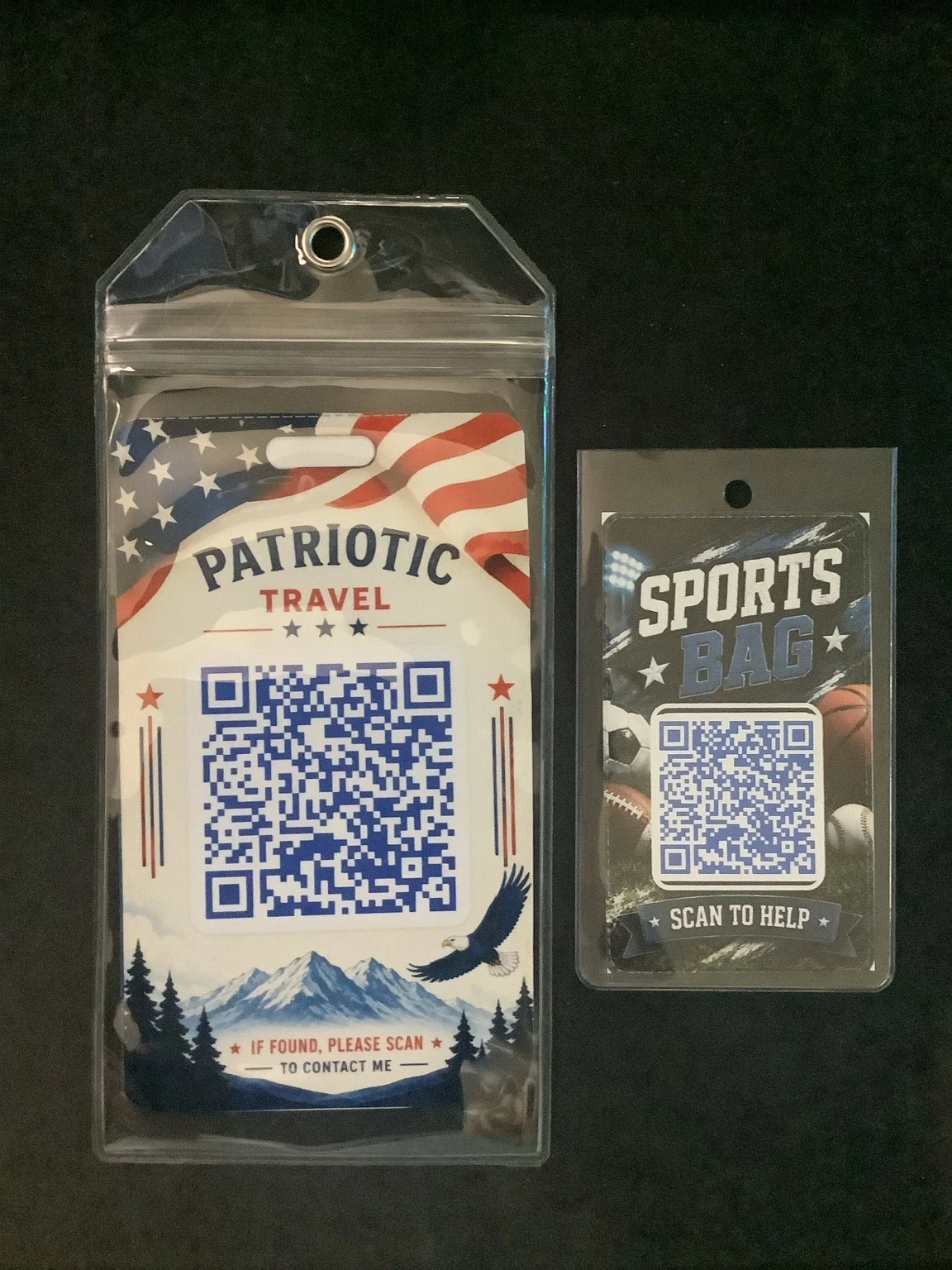
These are real printed examples of our standard and small QR luggage tags inside clear holders. Once you have the holders and photo paper, you can print more tags whenever you need them.
Standard tags work well for larger luggage sleeves, while the smaller format is useful for backpacks, sports bags, and smaller clear holders.
Watch a short walkthrough showing how to create your vCard QR code, choose a printable luggage tag template, preview your design, then download or print your finished tag.
Start here
This builder turns a vCard QR code into a printable luggage tag insert. Preview a few sample styles below, then create your vCard QR code to unlock the full template gallery.
Sample templates shown — more free and Pro designs are available after you create your QR code.
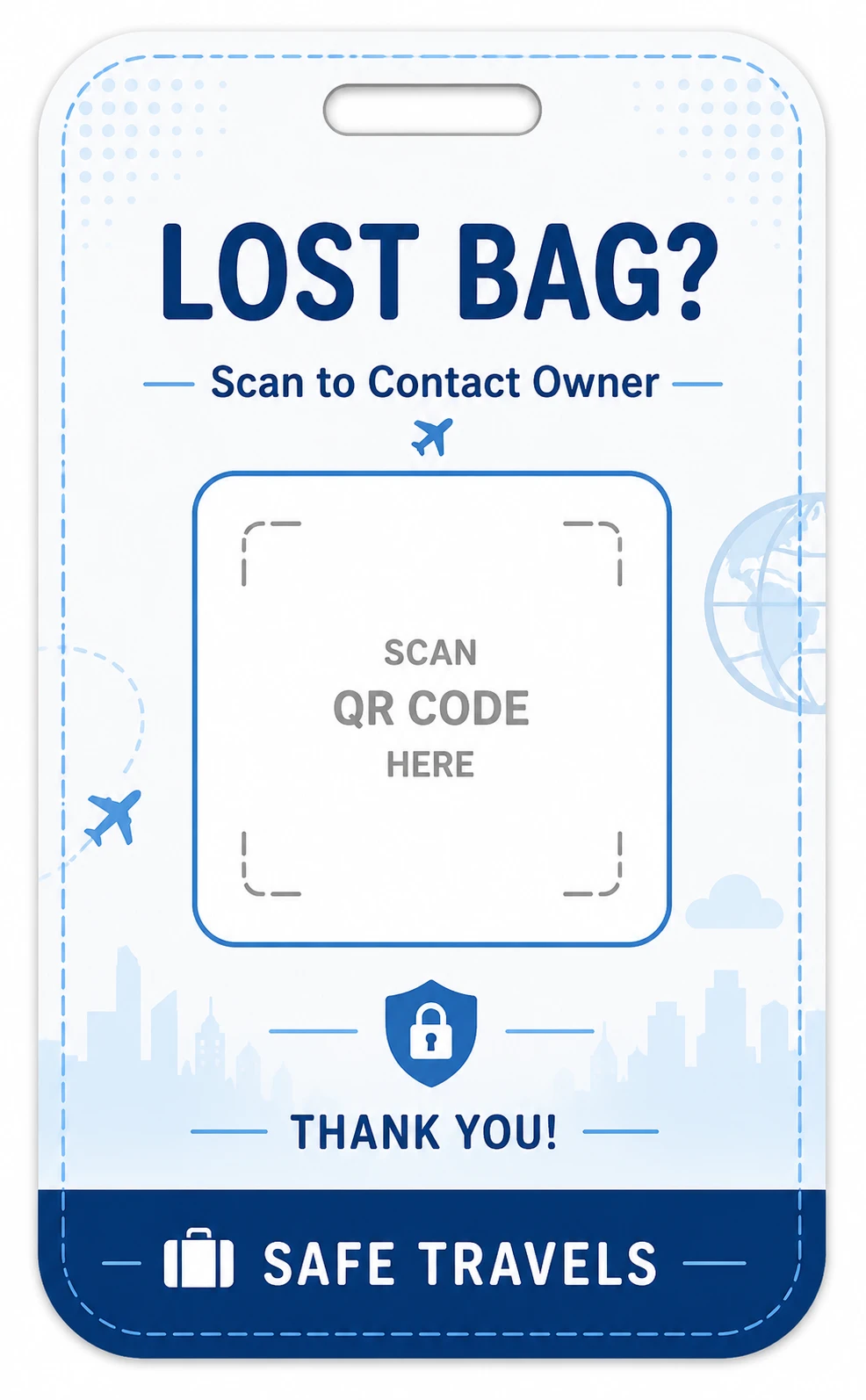 Example Standard Travel
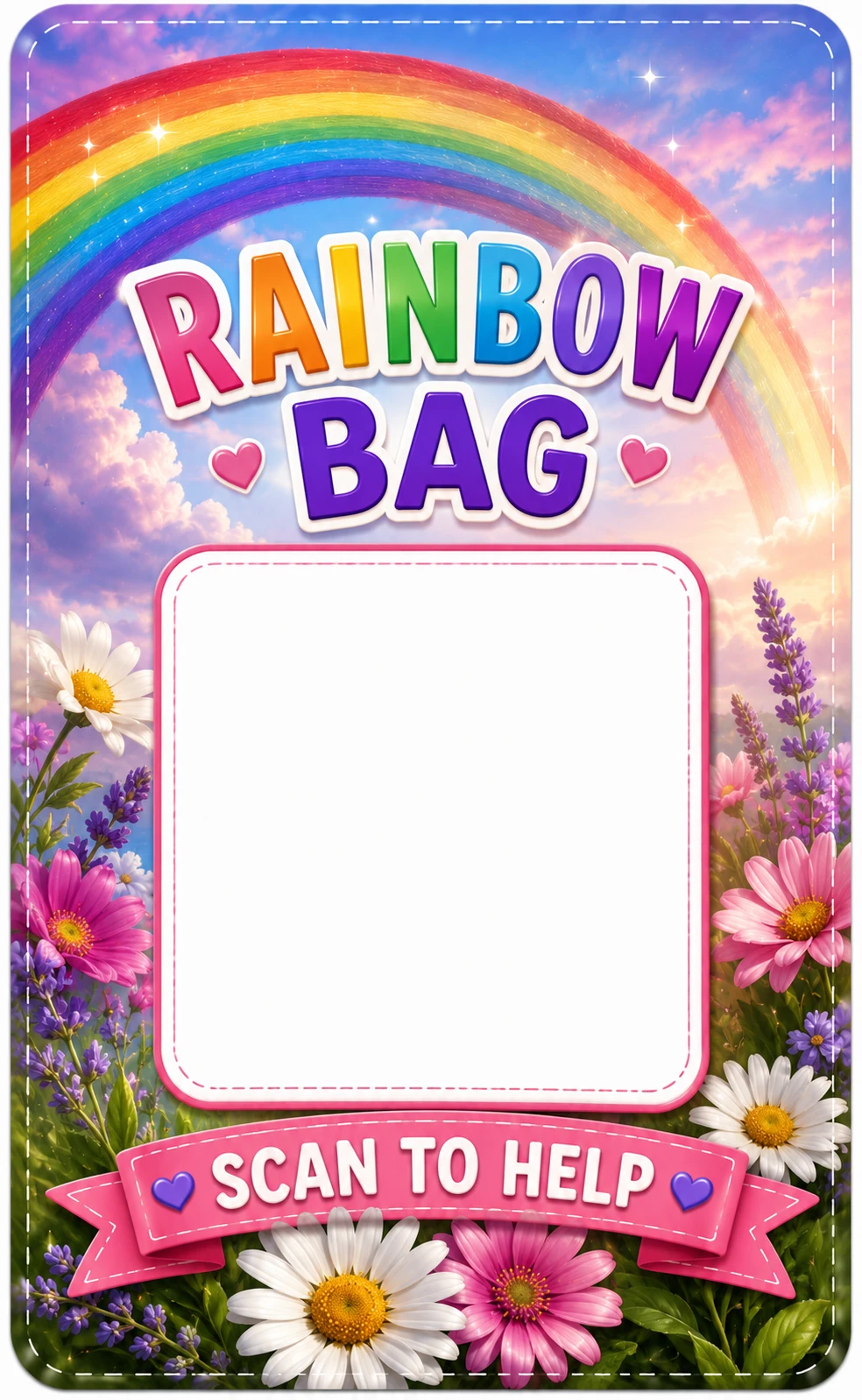 Example Small Kids Tags
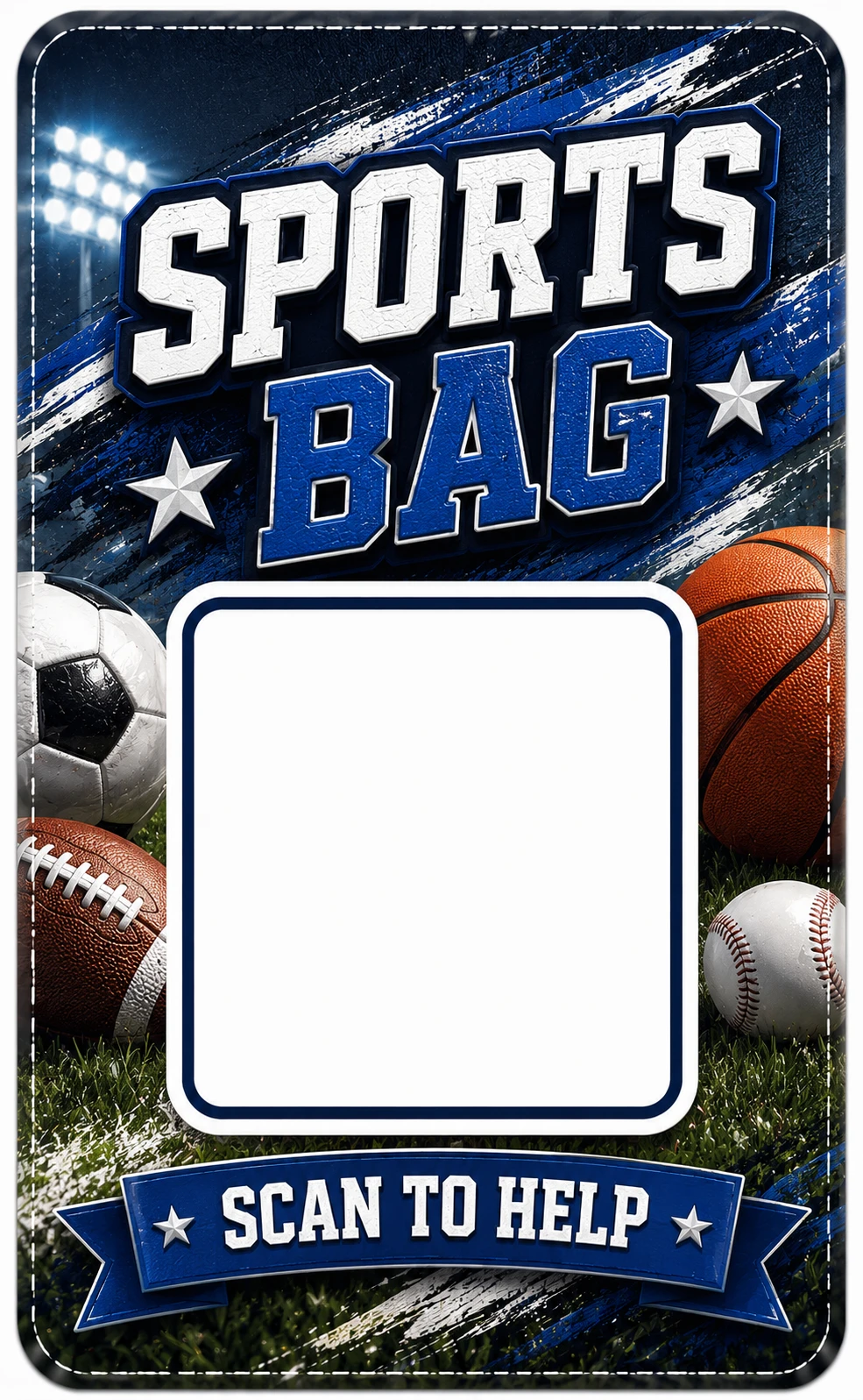 Example Sports Bags
 Example Free Support Tag
Your contact details are used in your browser to build the tag. Small QR tags do not print your name, phone number, email, or address on the tag face.
Quick answers about printable QR luggage tags, holder sizing, paper choice, and scan reliability.
Standard templates are designed around a 3.5" × 5.7" luggage tag holder size. Holders around 3.35" × 6.1" should also work well. Small QR tags print at 2" × 3.25" for backpacks, kids’ bags, carry-ons, lunch bags, and smaller tag holders.
Photo or glossy paper usually gives the best color, sharper text, and better durability than standard copy paper.
A QR luggage tag lets someone scan your tag to contact you without printing all of your contact details visibly on the outside of your bag. Small QR tags are especially useful when you want a privacy-friendly, QR-only tag face.
Yes. Always scan-test the printed QR code before using it on a trip. Print quality, paper type, scaling, and holder glare can affect scan reliability.