
Quick Answers
- What does this workflow solve? It helps clean the URL, review sitemap placement, and create a QR code for promotion.
- Who is this best for? Bloggers, small business owners, creators, affiliate marketers, and local businesses.
- Why use all three tools together? Publishing is not just writing the page. It is also organizing it and making it easy to share.
A Better Way to Publish New Pages
Publishing a new page is only part of the job. The real work starts right after that page is written. You still need a clean URL, a clear place for that page in your sitemap, and an easy way to promote it once it is live.
Skip those steps and your site gets messy fast.
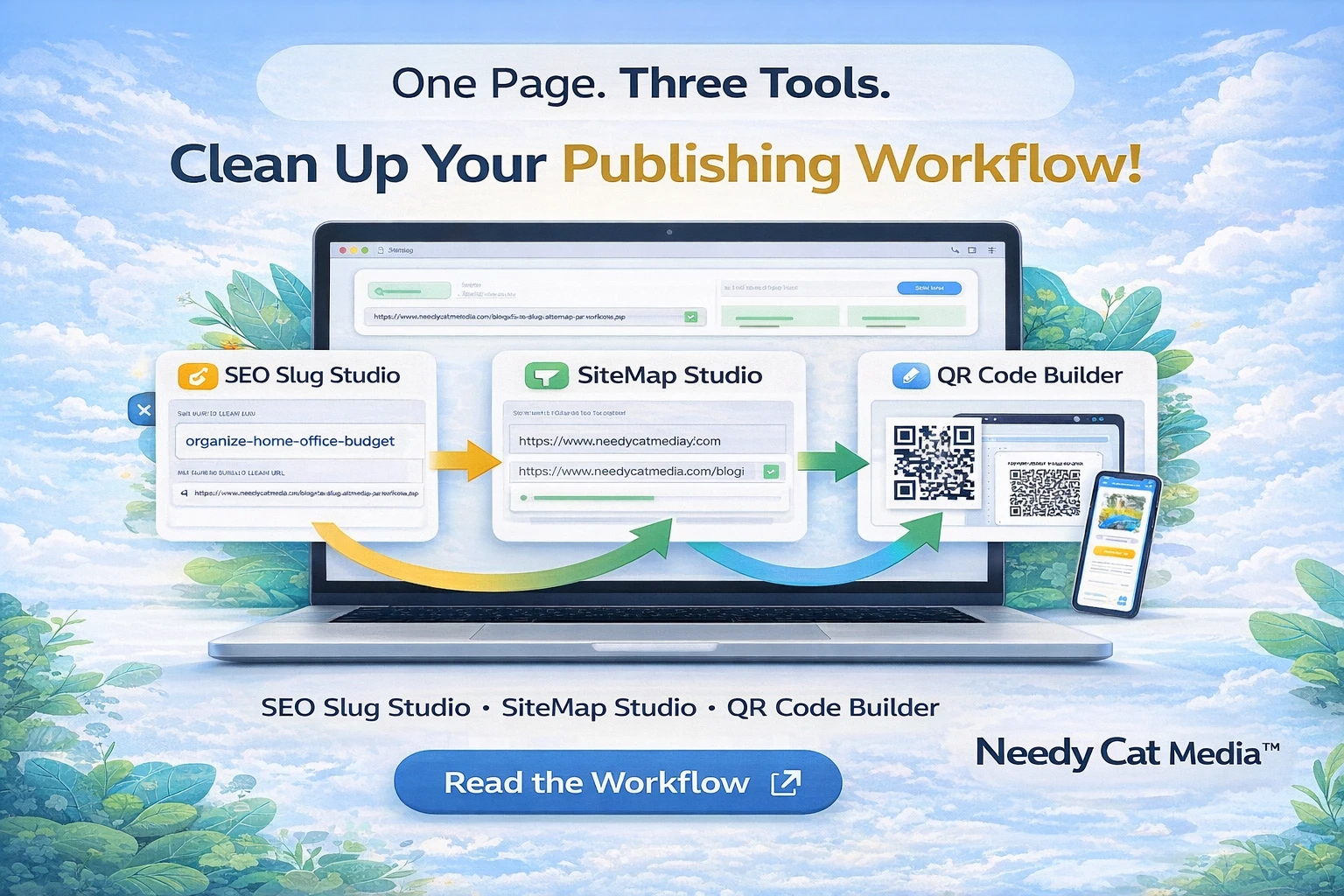
That is why SEO Slug Studio, SiteMap Studio, and the QR Code Builder work better together than they do alone. Instead of treating URL cleanup, sitemap review, and promotion like three separate chores, this workflow lets you handle them as one clean process.
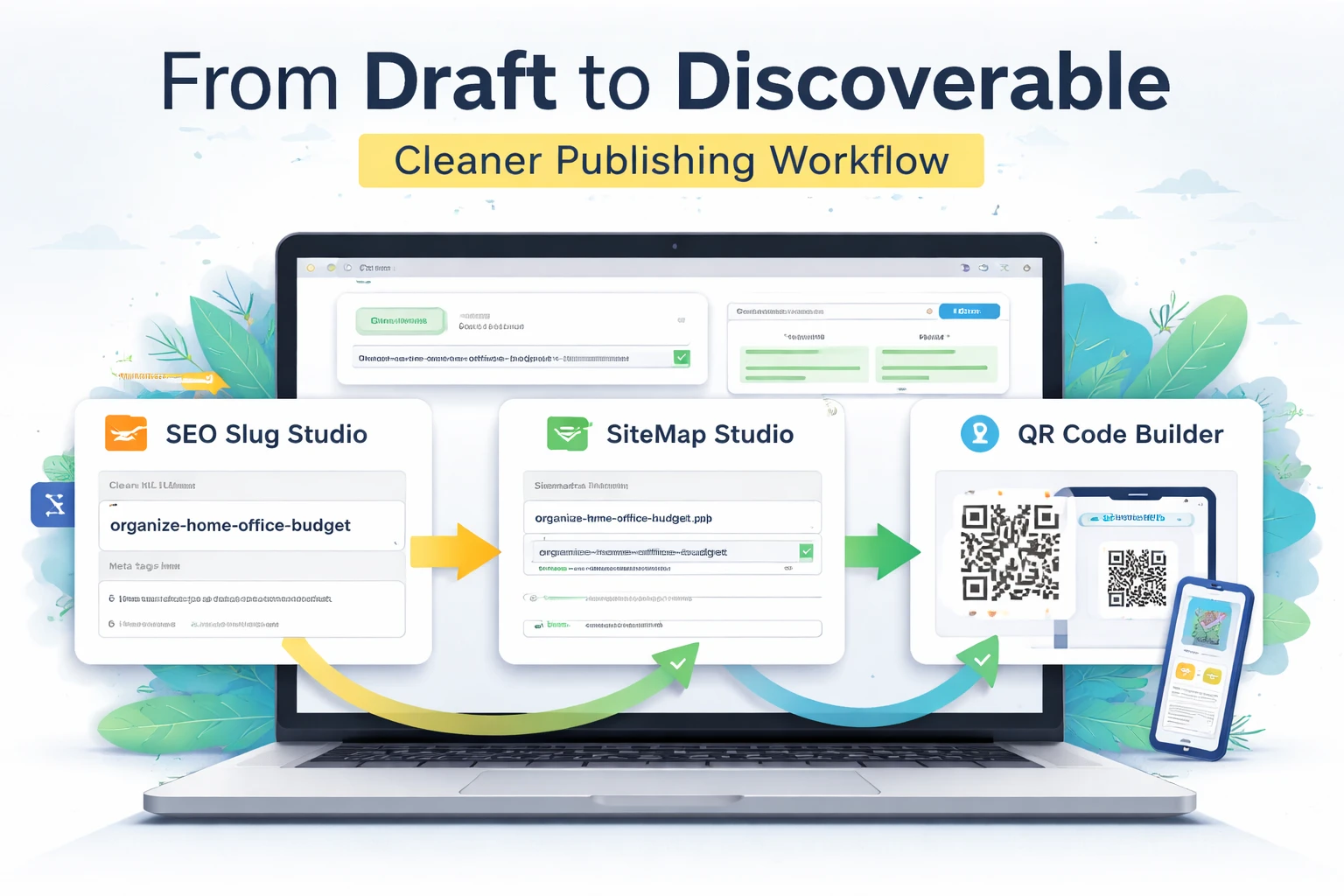
One workflow for URL cleanup, sitemap review, and QR-based promotion.
A Real-World Publishing Scenario
Let’s say you are creating a new blog post, landing page, or resource page for your site. Your title might be:
10 Easy Ways to Organize Your Home Office Without Spending a Fortune
The content is ready, but before the page goes live, three practical questions show up:
- What should the final URL look like?
- Should this page be included in your sitemap?
- How are you going to share it once it is live?
That is where the workflow earns its keep.
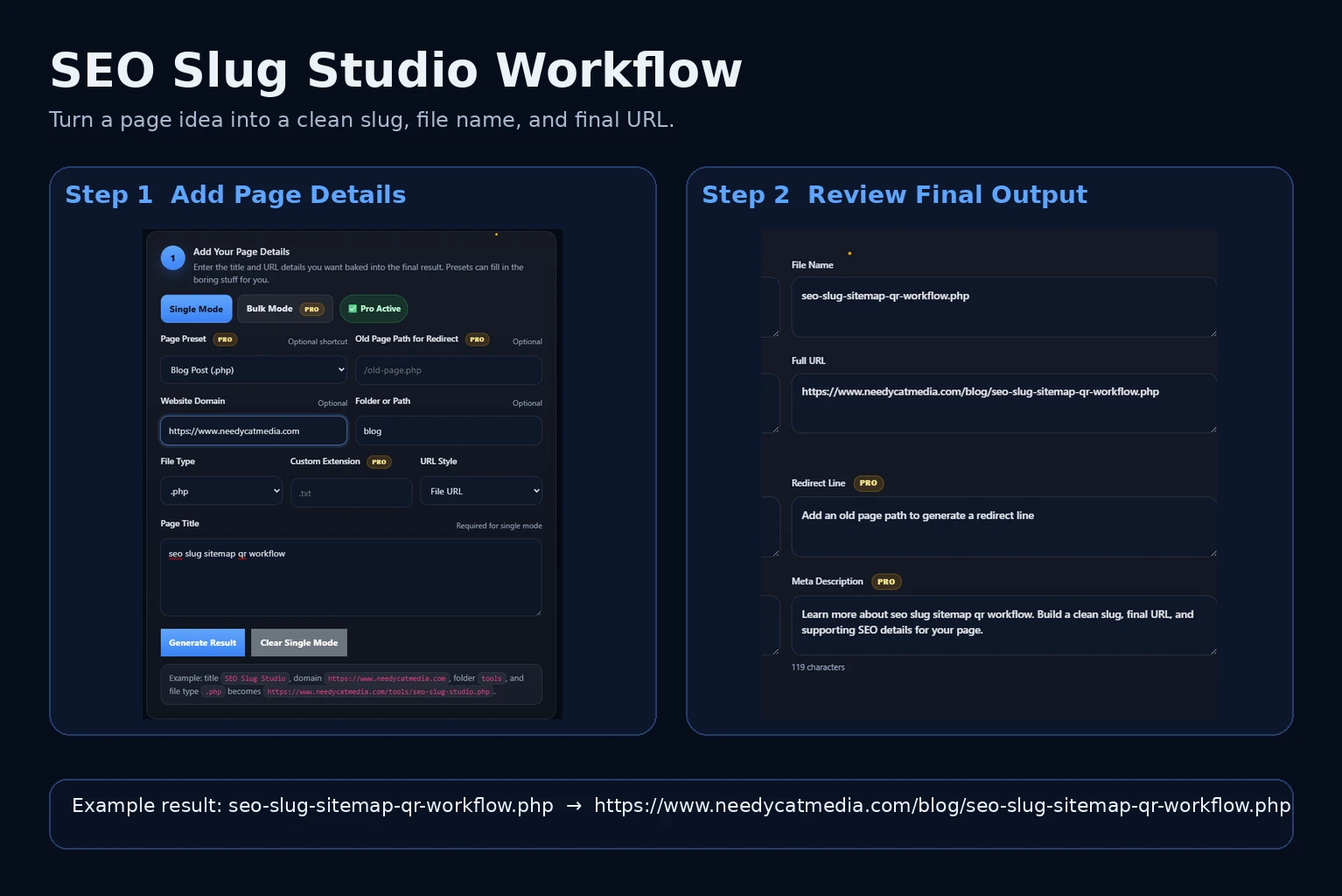
SEO Slug Studio helps turn a rough page idea into a clean slug, file name, and final URL.
Step 1: Clean Up the URL with SEO Slug Studio
Most page titles are written for people, not for URLs. That is fine, but it also means the auto-generated slug can end up long, awkward, or inconsistent with the rest of your site.
With SEO Slug Studio, you can turn a rough page title into a cleaner publish-ready structure.
- Slug: organize-home-office-budget
- File name: organize-home-office-budget.php
- Page path: /blog/organize-home-office-budget.php
- Full URL: https://www.yoursite.com/blog/organize-home-office-budget.php
That is already a major upgrade. It is shorter, cleaner, and easier to manage over time.
The real value is that the tool can also help generate supporting assets like a canonical tag, redirect line, meta title, meta description, and starter JSON-LD. So you are not just fixing a slug. You are building a stronger page foundation before launch.
Step 2: Review the Page in SiteMap Studio
Once the page is live, the next question is simple: should it be included in your sitemap?
That is where SiteMap Studio comes in. Instead of letting your sitemap become a random list of whatever exists, you can review URLs more intentionally and confirm which ones deserve to be included.
This matters because a sitemap should reflect the pages you actually want search engines to find, not every stray page that wandered onto the server and made itself comfortable.
If you see a page inside SiteMap Studio and the URL still looks clunky, inconsistent, or off-brand, that is your cue to jump back into SEO Slug Studio and clean it up before finalizing things.
That back-and-forth is not wasted effort. It is the whole point of having a smarter publishing process.
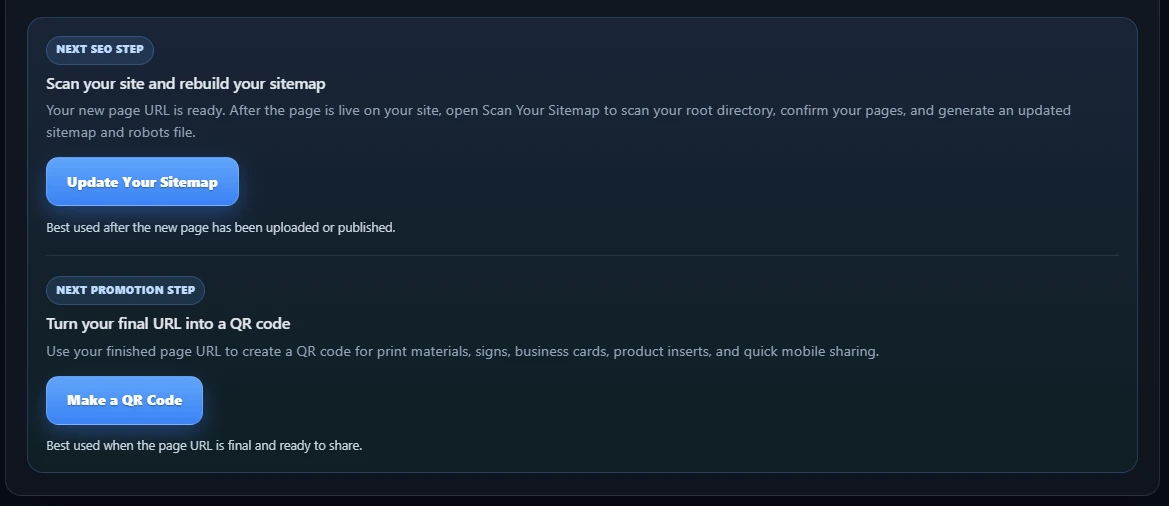
After the final page URL is ready, the workflow continues with sitemap updates and QR code creation.
Step 3: Turn the Final URL into a QR Code
Once the page is live and the URL is finalized, the next move is promotion.
With the QR Code Builder, you can turn the final page URL into a scannable code people can use immediately. That is especially useful when the page supports something you want to promote beyond the browser tab.
- Business cards
- Flyers
- Event handouts
- Product inserts
- Store signage
- Social graphics
- Video descriptions or printed materials
Instead of sending people to your homepage and hoping they figure it out, a QR code sends them directly to the exact page you built. Less friction. Fewer wrong turns. Better odds they actually land where you want them.
Why These Three Tools Work Better Together
Used separately, each tool solves one problem. Used together, they create a practical publishing workflow:
That is the difference between using random utilities and building a repeatable system.
A lot of websites grow one rushed page at a time. The title changes, the URL gets left sloppy, the sitemap gets ignored, and promotion becomes an afterthought. That works right up until the site turns into a junk drawer with branding.
This workflow helps prevent that mess before it becomes a bigger problem.
Who This Workflow Helps Most
This process is especially useful for people who publish new pages regularly and want a cleaner, more intentional system.
- Bloggers publishing new articles
- Small business owners creating landing pages
- YouTubers building support pages for videos
- Affiliate marketers creating resource or product pages
- Local businesses promoting services, offers, or events
Try the Workflow Yourself
Start by creating the final URL in SEO Slug Studio. Review that page in SiteMap Studio. Then turn the finished URL into something shareable with the QR Code Builder.
It is a simple process, but it solves three real problems in one pass: cleaner page structure, better sitemap organization, and easier promotion.
Start the Workflow
Use the three tools together to move from rough idea to cleaner URL, sitemap-ready page, and shareable QR code.
If you enjoyed this post, give it a thumbs up.
0FAQ
Do I need all three tools every time I publish a page?
No, but using all three together creates a much cleaner workflow when the page matters and you plan to promote it.
What kind of pages work best with this process?
Blog posts, landing pages, event pages, resource pages, product pages, and offer pages all fit well.
Why not just publish the page and fix things later?
You can, but that is how sites slowly become a disorganized mess. It is easier to do it right once than to clean up the pile later.